

DualUp Monitor
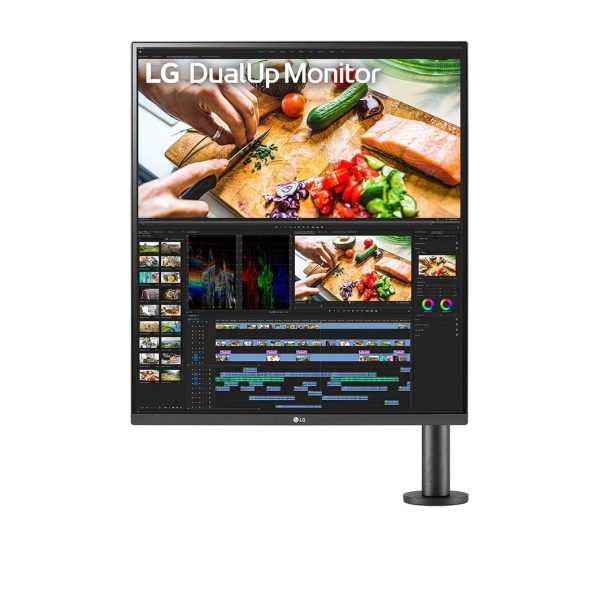
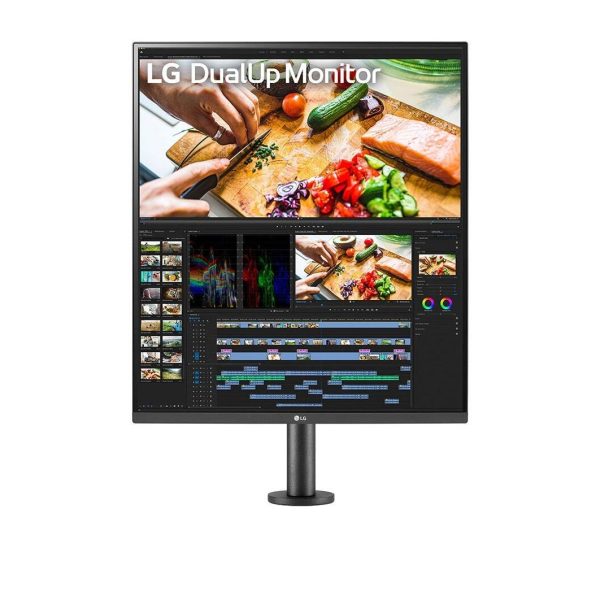
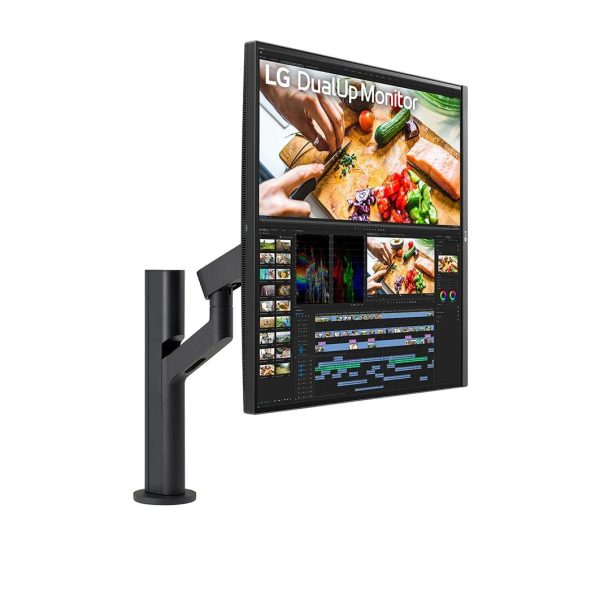
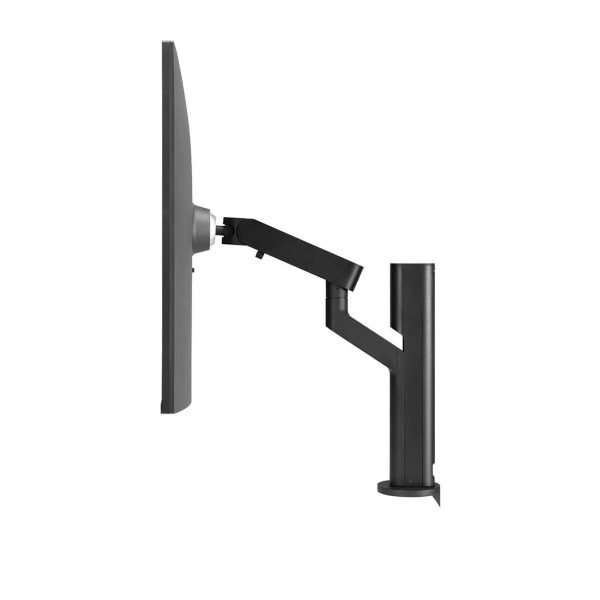
28MQ780-B
27.6-inch 16:18 DualUp Monitor with Ergo Stand and USB Type-C™
5/5
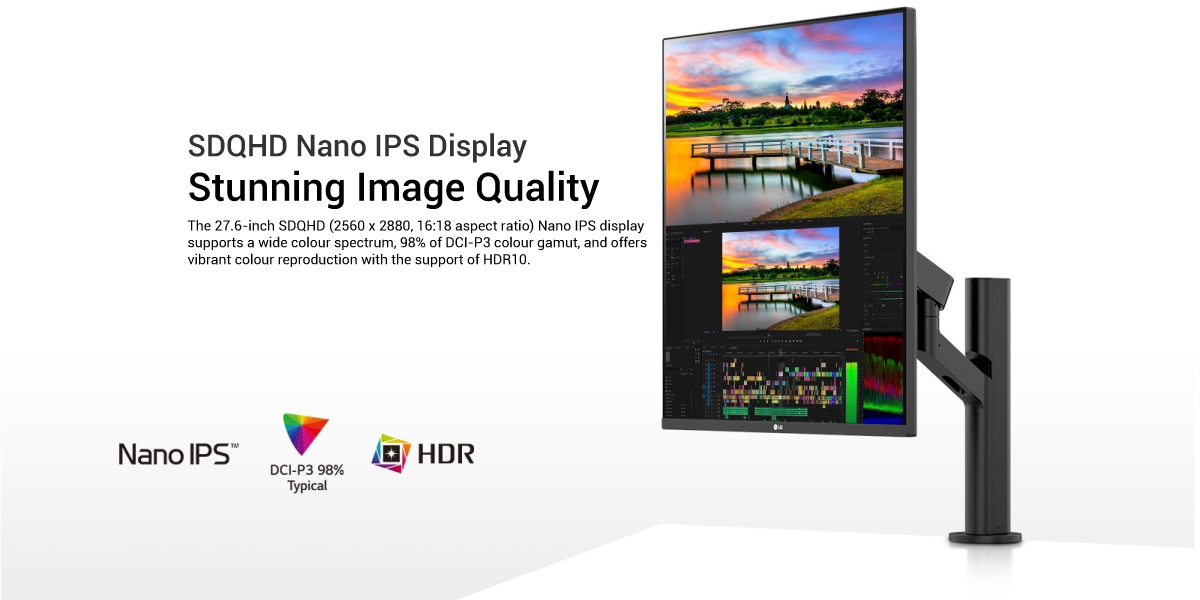
- • 27.6-inch SDQHD (2560 x 2880) Nano IPS Display
- • DCI-P3 98% (Typ.) with HDR10
- • Ergonomic Stand with C-Clamp
- • USB Type-C™ (90W Power Delivery)
- • Live Color Low Blue Light, Built-in KVM
- • Ambient Light Sensor
Stunning Image Quality
SDQHD (2560 x 2880) Nano IPS
DCI-P3 98% (Typ.) & HDR10
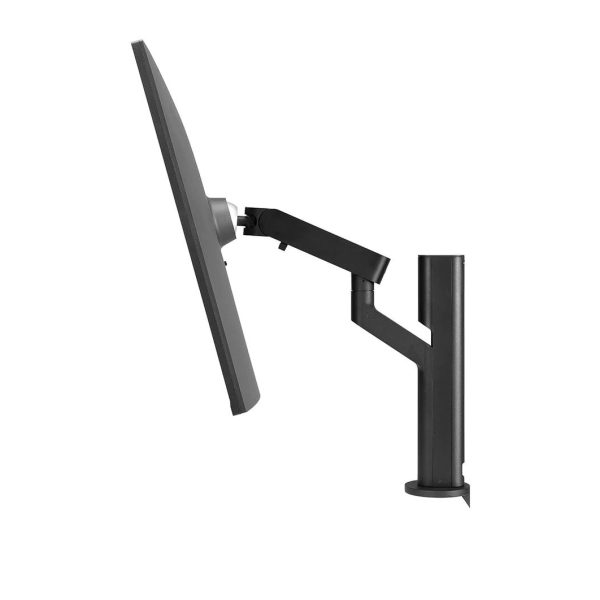
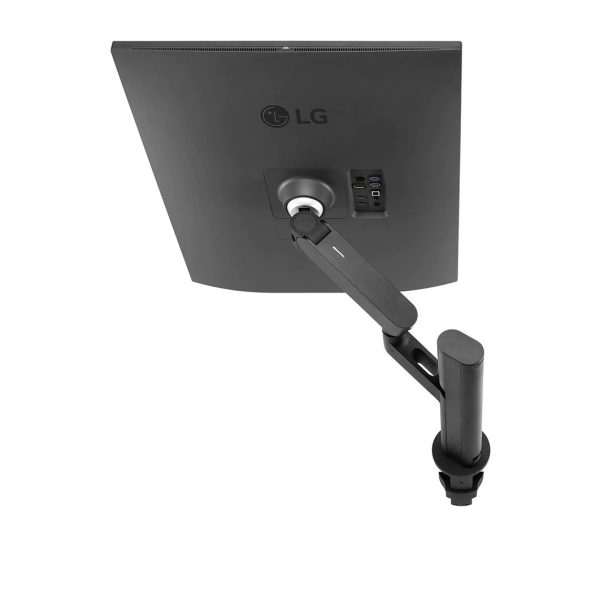
Ergo Stand
Single ‘C-Clamp’ Mounting Point
Variety of Position Options
User Convenience
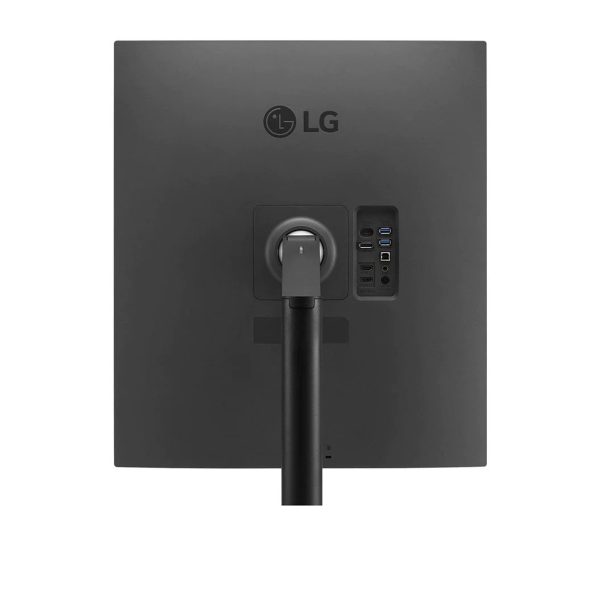
USB Type-C™
Easy Installation
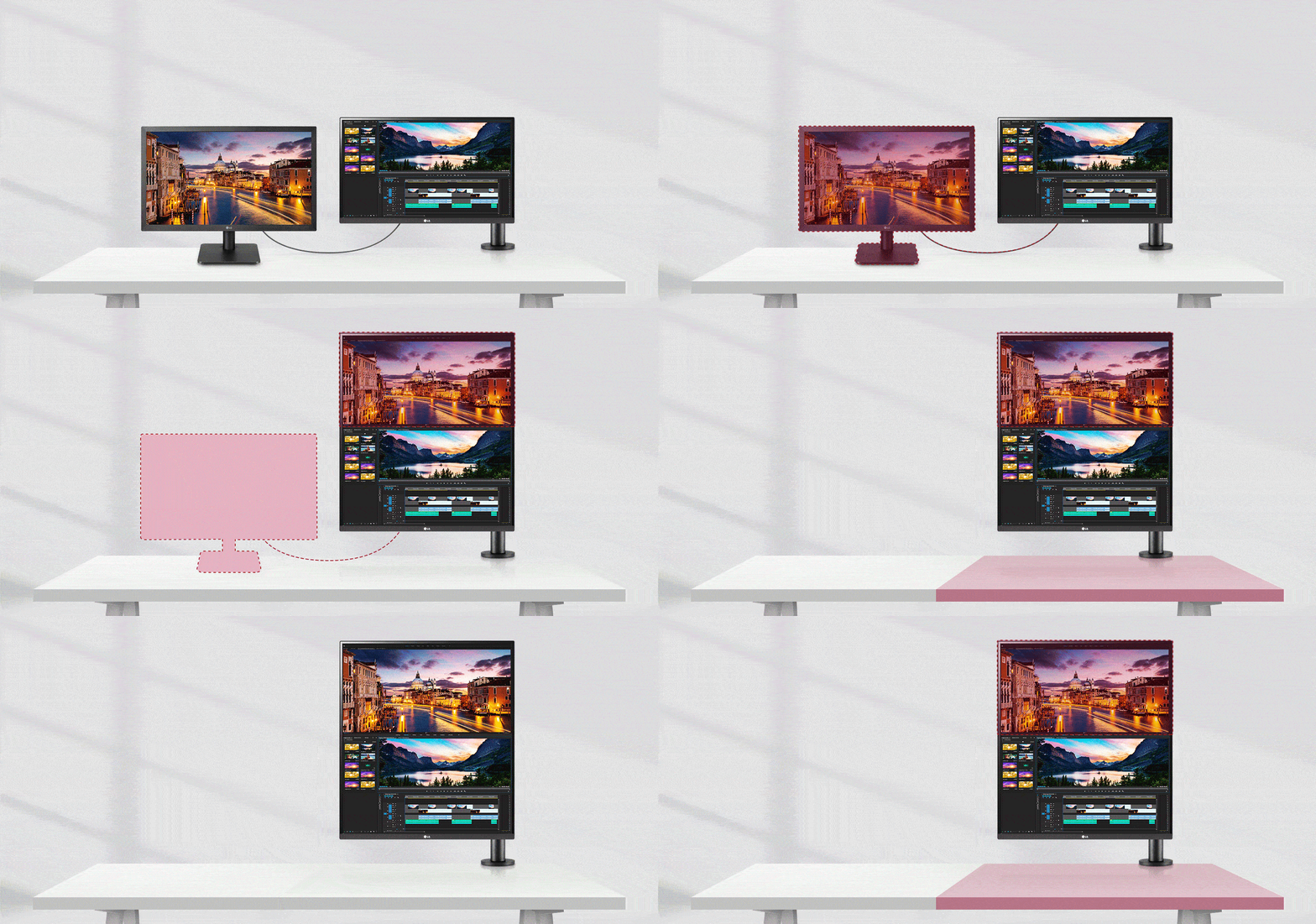
More Screen and Less Desk Space
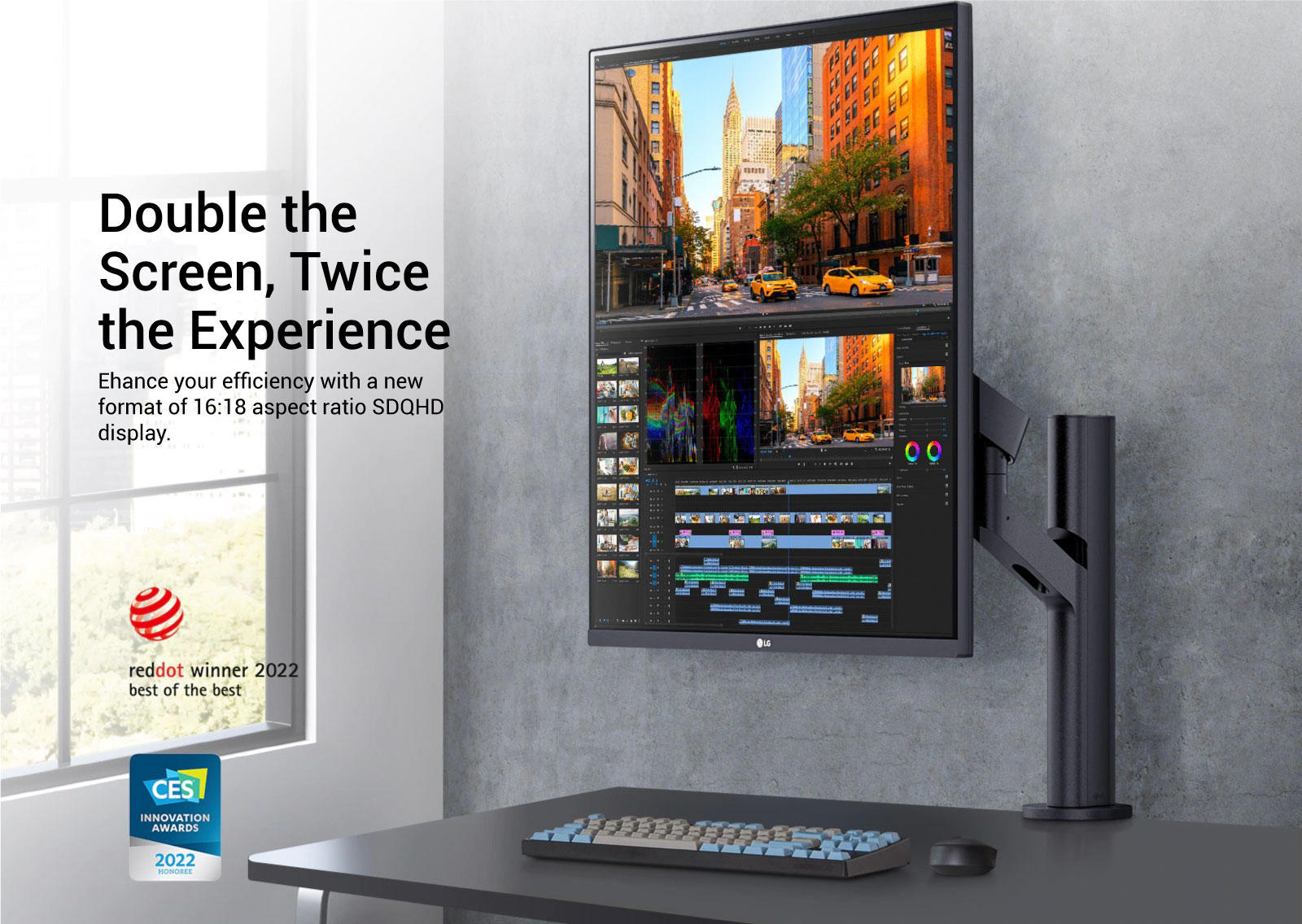
The 16:18 aspect ratio of the DualUp monitor provides approximately the same screen real estate as two separate 21.5 inch monitors (16:9 aspect ratio) to enable viewing of 2 applications at the same time for added productivity.
Ergo Stand
You can customize the workspace by splitting the display or adjusting basic monitor options with just a few mouse clicks.
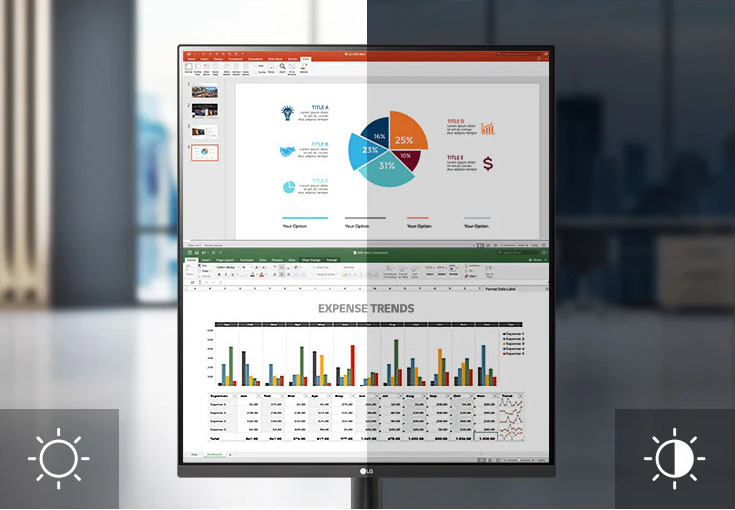
Ambient Light Sensor
Auto Brightness Control
The sensor measures the ambient light in the surrounding environment and adjusts the screen brightness accordingly.
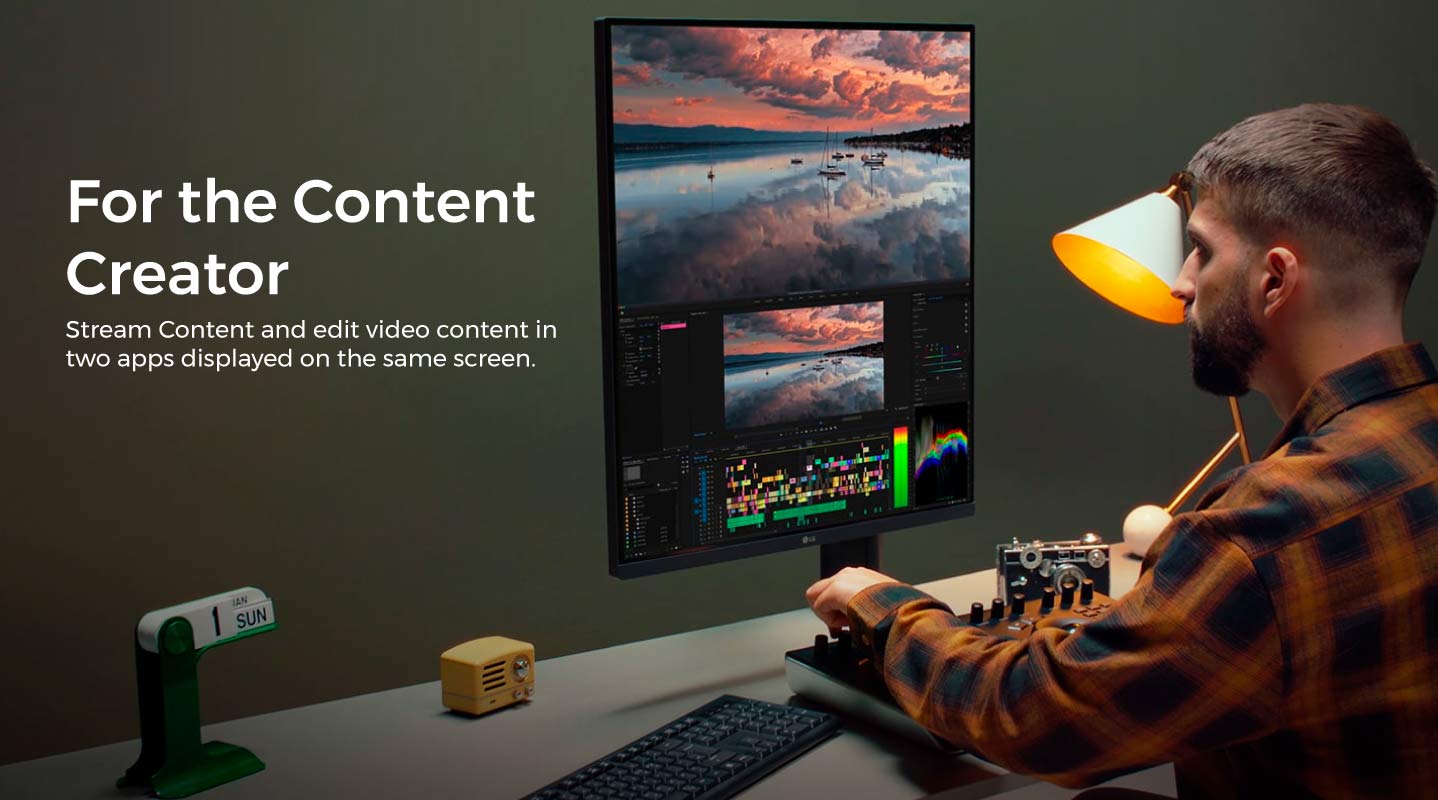
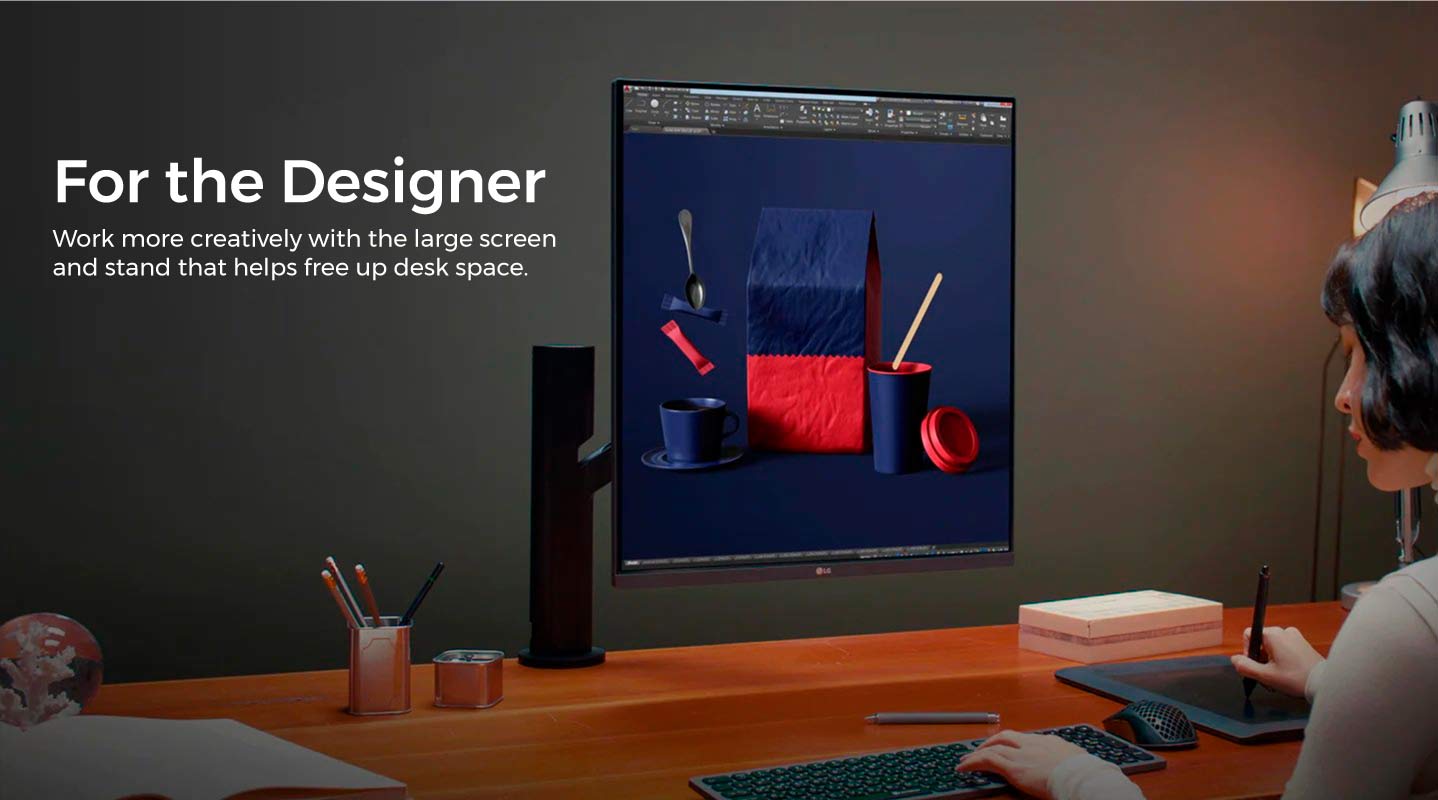
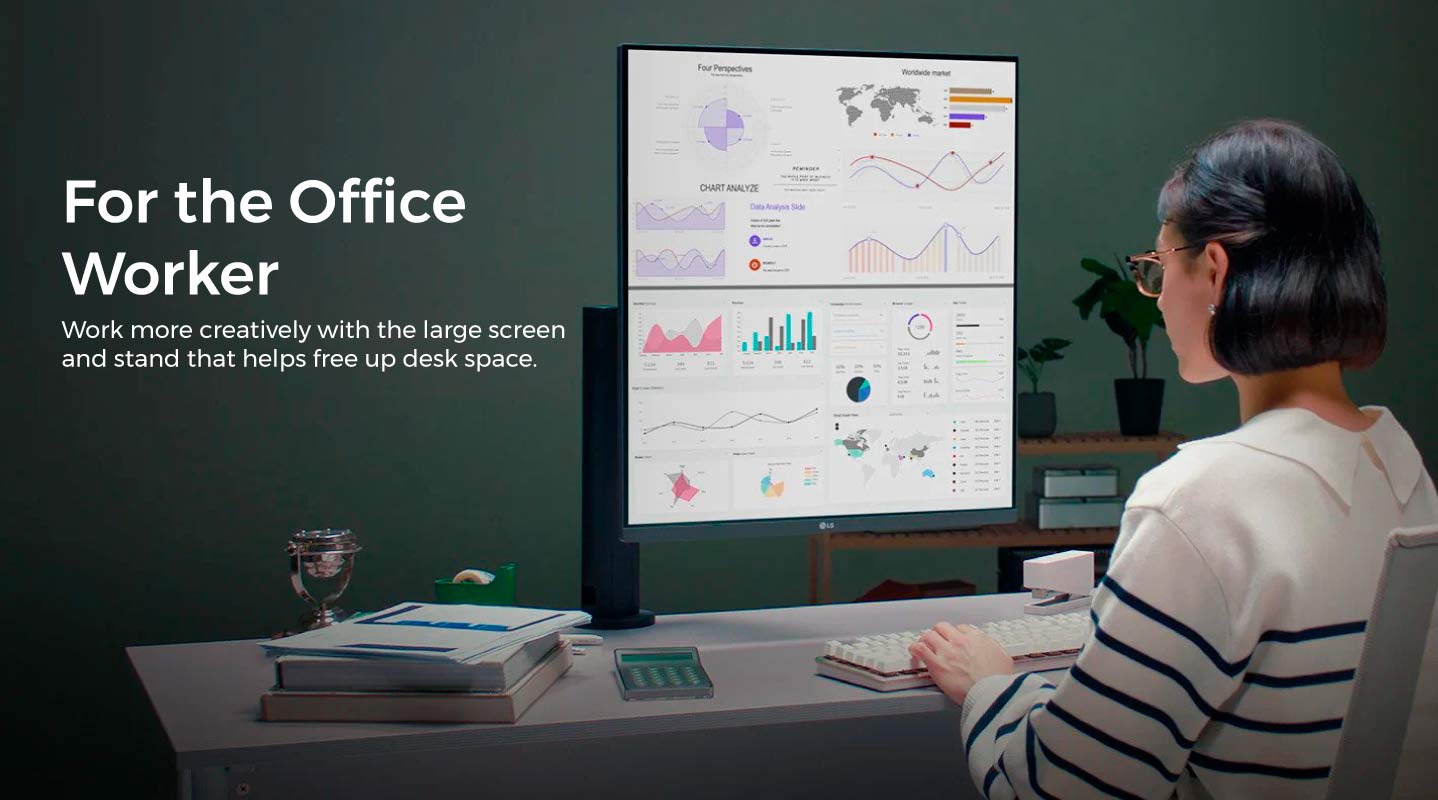
Create – Develop – Multitask
Boost your efficiency and productivity. See more information at a glance and run two applications at the same time.
USB Type-C™
Connectivity and Power
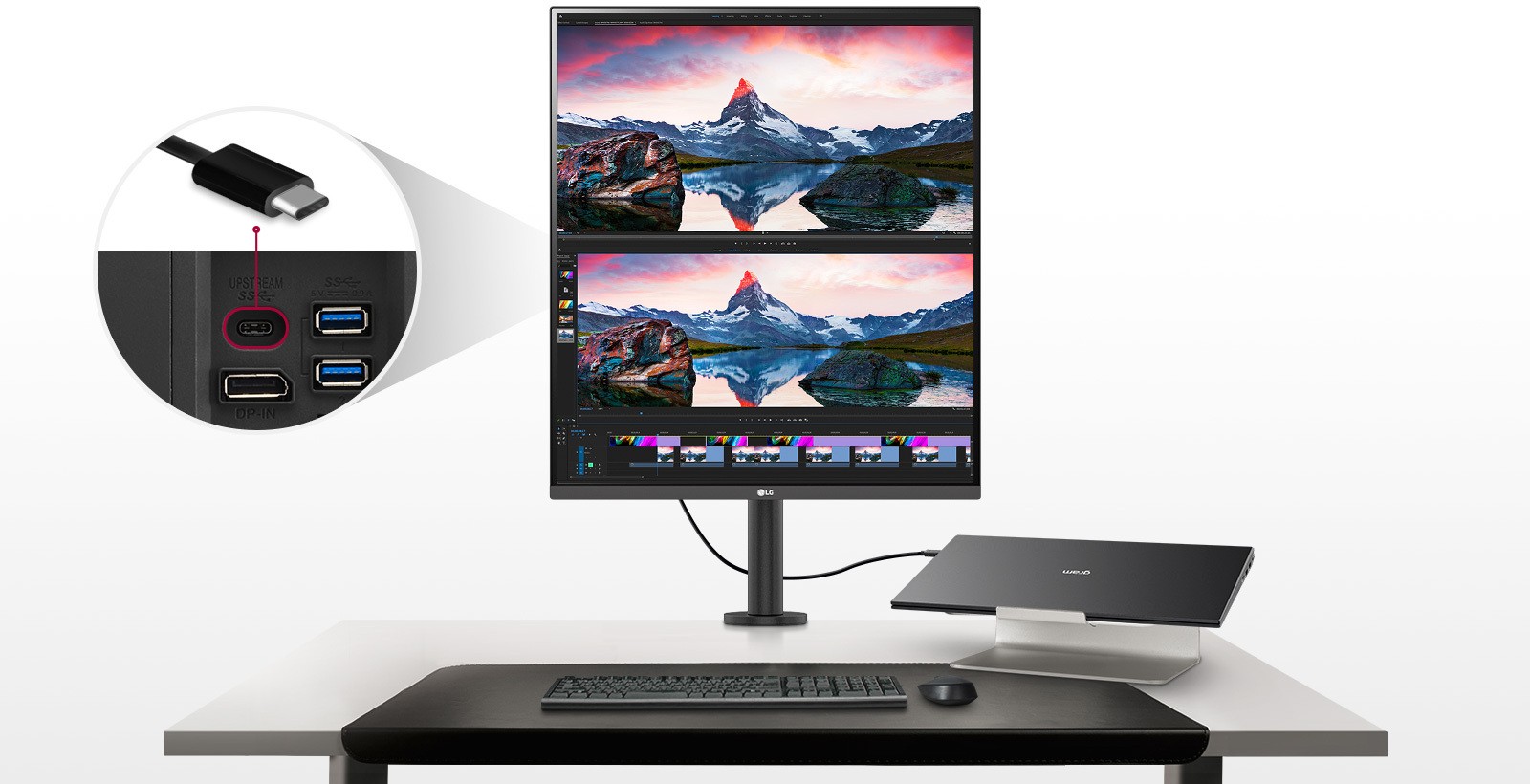
The USB Type-C™ port enables charging (up to 90W) and display connectivity at the same time over a single cable to a compatible laptop.
Display

Display

Display
How to Utilise DualUp Monitor
Set-up Options
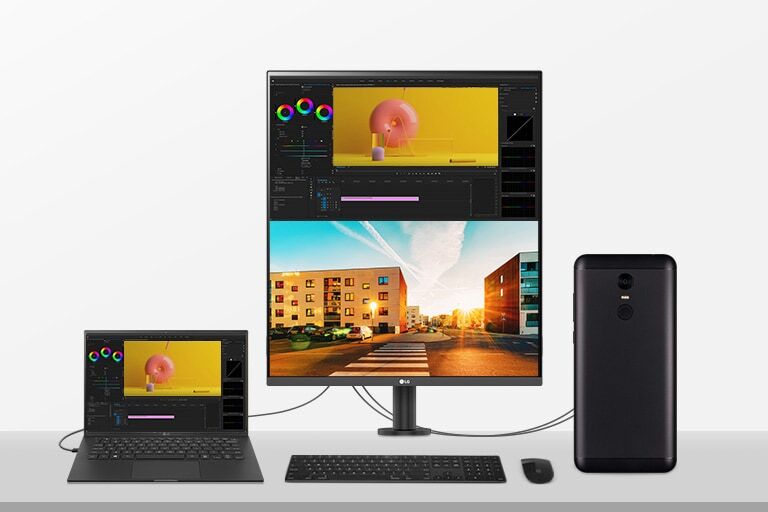
PBP & Built-in KVM*
The DualUp monitor lets you control the on screen content from 2 separate computers with the picture-by-picture feature. The built in KVM features helps manage this on screen content with a single keyboard and mouse.
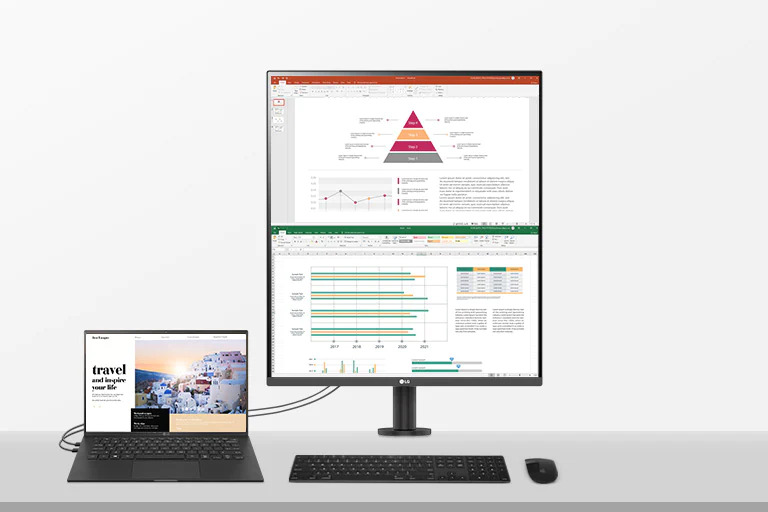
1 Source PBP**
By connecting two cables, out of HDMI, DisplayPort, and USB Type-C™, you can utilize a dual monitor setup. It helps to control two screens easily without using software or shortcut keys.
Space-saving and Flexible
Workstation Setup
Easy Workstation Setup
Fully Use
Your Desk
The DualUp monitor, with its C-Clamp mounting
point design enables installation of the adjustable
screen on the rear of desk, removing the screen
and stand from the desk surface freeing up valuable
space for other items.
https://youtu.be/6bjgLYPY4yshttps://youtu.be/ky6o0gdfew4
Specifications


Inquire Now on WSI
We provide wide range of IT Products & Solutions that are designed to streamlined Operations, Enhance Efficiency and Drive Business Innovation.
Phone
Fax
Address
WSI Corporate Center 1005 Metropolitan Avenue,
Corner Kakarong, Makati,
1205 Metro Manila
Schedule
8:00am – 5:00pm, Monday – Friday