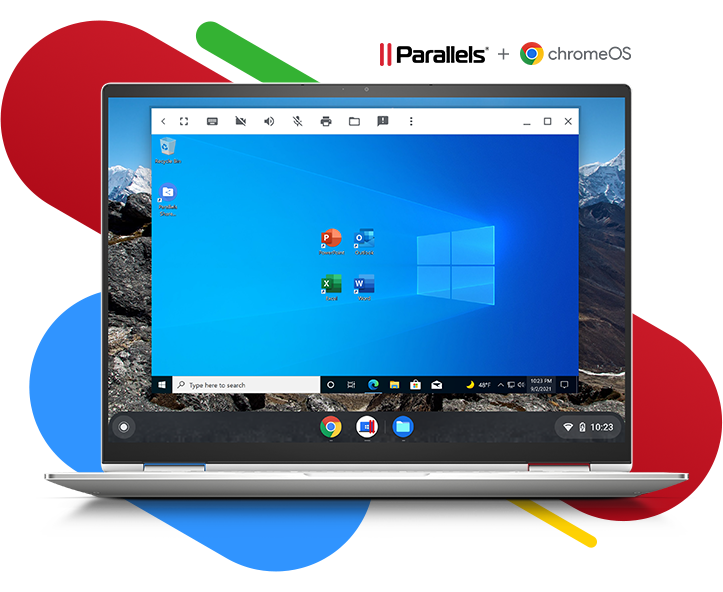

Parallels Desktop

for ChromeOS
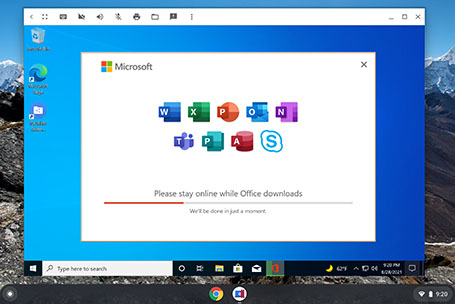
Run full-featured Windows applications including Microsoft Office directly on Chrome Enterprise devices—even offline!
  • Empower users with the full potential of the Chromebook AND the full power of the Windows ecosystem.
  • Simplify IT management while supporting a robust dynamic workforce.
  • Drag and drop files & text between ChromeOS and Windows | Increased Windows app space with compact title bar | 12 new supported devices. See the latest updates.


Try now


Contact Us

Windows + ChromeOS — together at last

Meet the evolving challenges of the modern enterprise and get the speed, power, and tools you need to perform at your best, no matter where you are.

Your trusted desktop virtualization software for more than 15 years!

Enable access, efficiency & performance

Deliver familiar full-featured Windows apps to your teams’ Chromebooks so they can be fully operational wherever they’re working – at home, in transit, even offline.

Ensure security & reliability

Reduce IT burden and eliminate stress leveraging Google’s advanced security, audit and management standards and Parallels’ unique cross-platform expertise.

Meet budget without making compromises

mplement an affordable hardware solution without sacrificing the tools, connectivity or computing power that drive your business forward.
See Parallels Desktop for ChromeOS in action

https://youtu.be/z8g3IeDYv_ghttps://youtu.be/4eEgchBZD2Ahttps://youtu.be/HuPt6tmCnH8https://youtu.be/VvhhOviUfXw

See Parallels Desktop for ChromeOS in action

Get the speed, power, and tools you need to perform at your best no matter where you are

Always-on access to business-critical Windows apps
  • Effortlessly switch between ChromeOS and Windows – no need to reboot
  • Suspend and Resume Windows to instantly get back up and running
  • Open files on ChromeOS using Windows applications
  • BONUS: Access 30+ one-touch tools with included Parallels Toolbox
Always-on access to business-critical Windows apps
  • Effortlessly switch between ChromeOS and Windows – no need to reboot
  • Suspend and Resume Windows to instantly get back up and running
  • Open files on ChromeOS using Windows applications
  • BONUS: Access 30+ one-touch tools with included Parallels Toolbox


Full ChromeOS integration for a familiar & friendly experience
  • Easily move content, files and text between ChromeOS and Windows via a shared clipboard or by simple drag and drop
  • Print from Windows to supported printers
  • Stay in the flow with seamless mouse, camera, microphone, audio & docking plus USB smart card reader support
  • Enjoy the view with dynamic resolution and full screen support

See Parallels Desktop for ChromeOS in action

Get the speed, power, and tools you need to perform at your best no matter where you are

ChromeOS Security

Ensure peace of mind with ChromeOS verified boot, multilevel encryption, Google Play Protect and Google Safe Browsing, remote deactivation, sandbox apps, and security updates every six weeks.
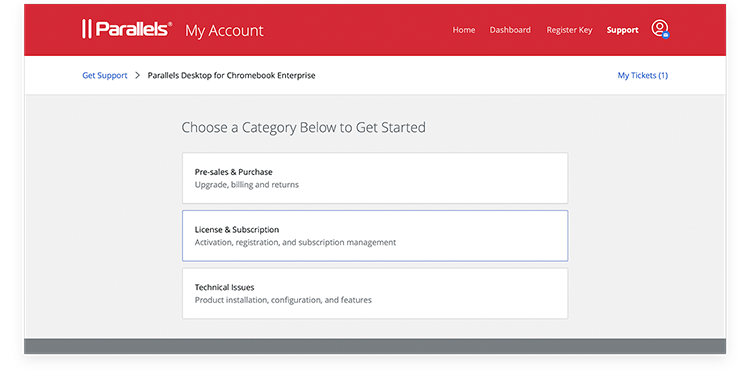
Robust Support

Rich documentation for administrators and users along with premium Parallels support ensure positive experiences and productive output across the organization.
Previous
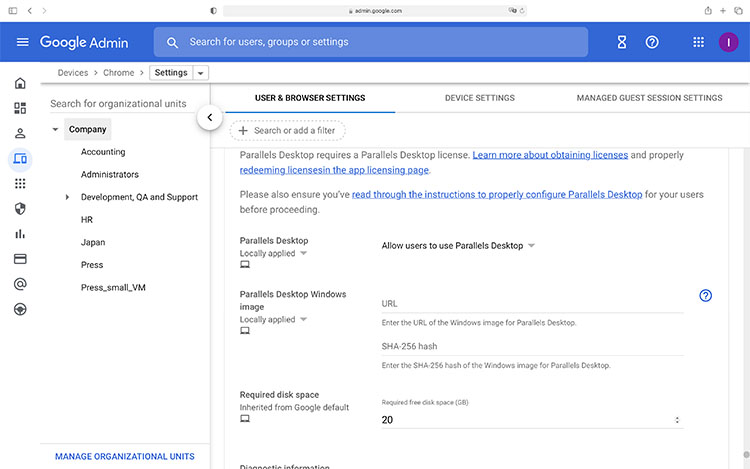
Google Admin console

Deploy and manage fast & at scale right from the Google Admin console.
Specify a link to a Windows virtual machine and enable it for selected business unit(s)— it’s as simple as that.

Windows Ecosystem

Have Windows management already in place? Active Directory and Microsoft Endpoint Management solutions work in the virtual machine like they do on a real PC.

Talk to us! We’d love to hear from you!

Please fill out the form and our team will contact you.