






Unified Endpoint Management Made for Tomorrow

Hexnode delivers a UEM that’s ready for what’s next with AI built-in, automation at its core, and support for over ten platforms.

Loved by all.
Recognized by the best.

Hexnode is listed as a leader and a major player in IDC MarketScape UEM Vendors Assessment Reports 2025/26.

Hexnode Recognized in the 2026 Gartner® Magic Quadrant™ for Endpoint Management Tools.

Forrester includes Hexnode as a Notable vendor in The Unified Endpoint Management Landscape, Q3 2025.

Powerful endpoint management, built for the devices you choose

Gain complete and consistent control over all your endpoints

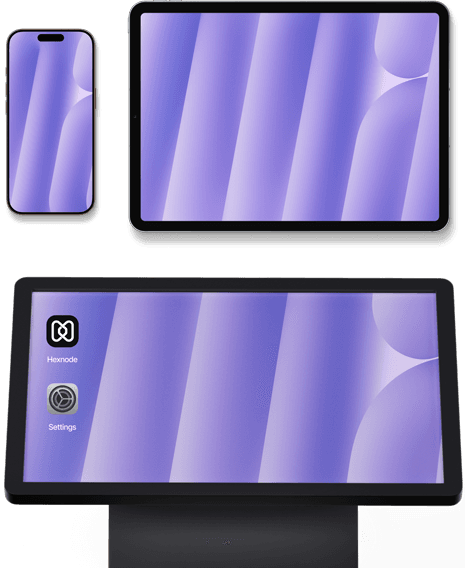
Desktop, mobile, IoT and wearables management

Manage Windows, macOS, Linux, and ChromeOS with ease

Onboard, manage, patch and secure all desktop devices

Control all mobile platforms from a single management console

Desktop, mobile, IoT and wearables management

Turn any device into a purpose-built digital kiosk

Deploy kiosk devices and manage them remotely

Manage wearables, XR, VR, AOSP devices, and more

Lifecycle management for niche IoT devices

The complete endpoint and identity suite

Just launched

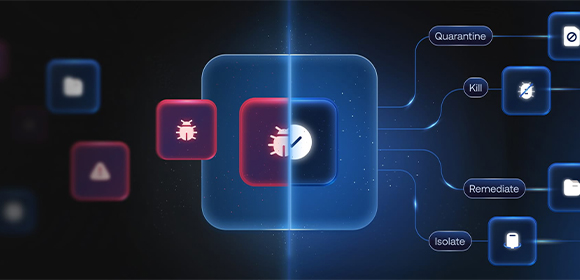
Endpoint security that goes beyond reacting

See attacks sooner and start responding proactively

Always-on defense that protects your endpoint suite

Just launched

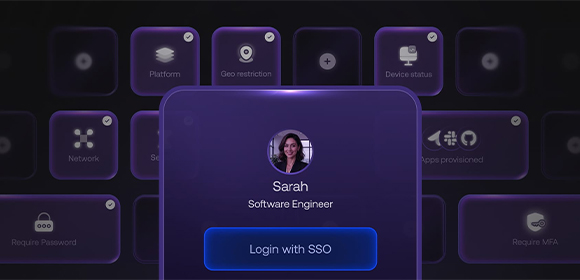
An integrated identity fabric for secure access control

Authenticate with both user identity and device posture

Restrict unauthorized access through conditional access

Unified Control with built-in workflows

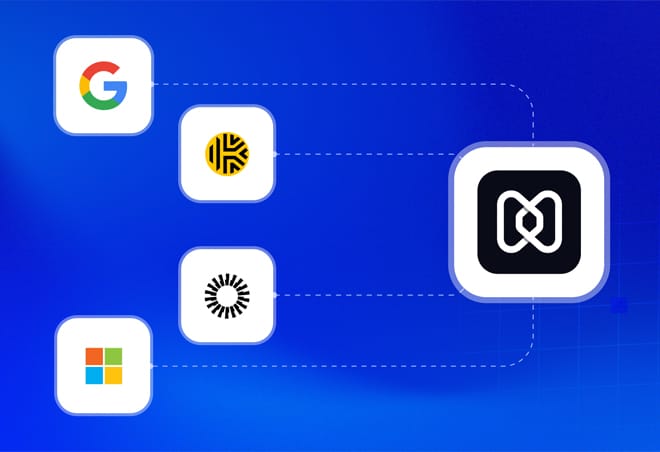
Integrate your IdP using Hexnode Access for seamless identity management across your endpoints. Ensure only the users with the right devices reach the right resources, by defining compliance rules and syncing with your directory.

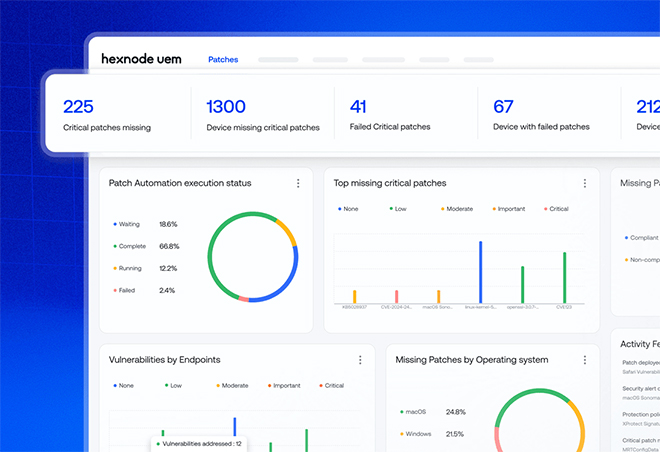
Never let your devices fall behind. Define OS and patch management rules once, and ensure your devices always stay updated to the latest versions, the moment they are available.

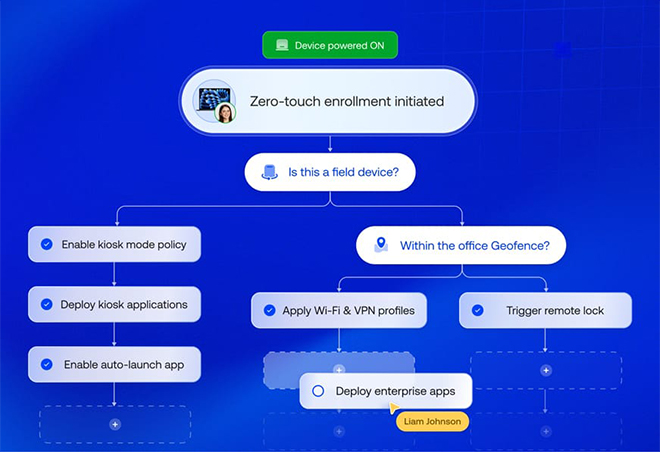
Bring complex tasks down to just a few clicks. Hexnode Deployments lets you automate device management end to end, using simple triggers and actions.

What does Hexnode Gateway offer

Onboarding, easy as 1, 2, 3. Configure custom MSI file for Windows or set up the Hexnode Gateway app to distribute it to macOS.

Automate bulk macOS migration in an airtight manner. Choose for UI-guided or silent migration on Windows.

Devices enrolled via ADE (macOS) and Windows Autopilot will remain supervised, with all functionalities preserved during the transition.

Hexnode Blogs

Talk to Us

Contact us using the information below. We’ll respond promptly to your inquiries and feedback
email

Schedule

8:00am - 5:00pm, Monday - Friday

				
					/* 

Copy this code on section to modify colors of icons, submit button, hovers 
depends on the webpage theme.

Note: Keep visibility disabled, Do not Edit this

*/

/*Contact Content Icons & Text*/
.contact-iconbox .elementor-icon {
    color: pink;
    fill: pink;
}
.contact-iconbox .elementor-icon:hover{
    color: violet;
     fill:violet ;
}
.contact-iconbox p a, .contact-iconbox p{
    color: pink !important;
}
.contact-iconbox p a:hover, .contact-iconbox p:hover{
    color: violet !important;
}

/*Contact Form*/
.contact-form .elementor-widget-container{
    background:red !important;
}
.contact-form label{
    color: blue;
}
.contact-form .wpforms-submit-container button{
    border-color: pink !important;
    background: pink !important;
}
.contact-form .wpforms-submit-container button:hover{
    background: violet !important;
    border-color: violet !important;
}