WINDOWS 11 IS HERE. WINDOWS 10 IS END-OF-LIFE. NOW WHAT?
Windows 11 brings some challenges, none bigger than devices being incompatible. Windows 10 EOL puts a flag in the sand–your current solution will degrade from here. The further out that flag fades from sight, the larger the security concerns grow. It’s time for organizations to embrace Windows 11 without the implied costs and complexity of a full refurb.
You have multiple options available, and the good news is that we have made them simple and straightforward. Whether you want to repurpose existing devices, use new cost-effective endpoints, or a combination of both, NComputing ensures a smooth, secure, and environmentally friendly migration path.
Sustainable Solutions
The NComputing concept begins with central planning. PMC Endpoint Manager becomes your control center, giving you reach beyond internal networks to administer all your endpoints. This migration empowers employees with faster, cloud-based access to their desktops from virtually any device, ensuring future readiness and aligning the company with the latest technological innovations.
The Challenge
When Windows 10 support ends, updates and security patches will no longer be available, leaving systems exposed to cyber threats. Organizations with incompatible hardware must choose between costly new devices or continuing with vulnerable systems. Either option brings substantial costs, complexity, and logistical hurdles.
The opportunity
Migrating to Windows 11 in the cloud offers a valuable opportunity to boost efficiency, scalability, and security. With NComputing, businesses can fully utilize Windows 11’s advanced features while lowering hardware demands, simplifying IT management, and enabling flexible remote or hybrid work setups—all while optimizing costs for a more streamlined, future-ready operation.
Empower Work From Home
Booting from a USB stick with LEAF OS on any PC/laptop. Provide simple, secure, and fully functional access to virtual desktop environments anytime, anywhere. Includes VPN support.
Repurpose aging PCs & Thin Clients.
Save your money and get out of the PC-refresh cycle. Put off forced investment in new hardware until it makes sense for you.
Reduce maintenance & simplify
Push configurations and software updates to a LEAF OS USB stick or device via a centralized management platform. No local user data means centralized backups are simplified, and ongoing maintenance and security expenses are slashed.
AVD Migrate to Windows 11
LEAF OS and Microsoft AVD integrate for a smooth and easy transition to Windows 11.
Securely built on Linux
The fully locked-down Linux platform is secure, protecting against malicious applications, common threats, and corporate data leakage concerns.
Expand USB capabilities
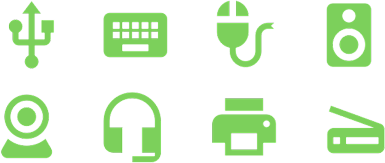
Using drivers on the server opens up extensive peripheral support capabilities for printers, touch screens, and other devices.
Choose your platform
LEAF OS is compatible with Citrix, Omnissa, Microsoft AVD, Windows 365, Microsoft RDS, vSpace Pro Enterprise, and VERDE VDI.
Endpoint Options
NComputing endpoints provide secure access to Virtual Desktop Infrastructure (VDI) and Desktop-as-a-Service (DaaS) solutions. Their small footprint makes them ideal for many use cases, from school libraries and classrooms to manufacturing floors, business offices, and healthcare facilities.
Repurpose and BYOD with LEAF OS
LEAF OS offers a cost-effective solution for organizations with devices that don’t meet Windows 11’s hardware requirements. LEAF OS transforms outdated hardware into high-performance thin clients, allowing users to access Windows 11 through virtualization platforms such as Microsoft Azure Virtual Desktop (AVD). LEAF OS secures your existing devices, extends their useful life, opens the door to Windows 11, and minimizes the logistical challenges associated with legacy hardware.
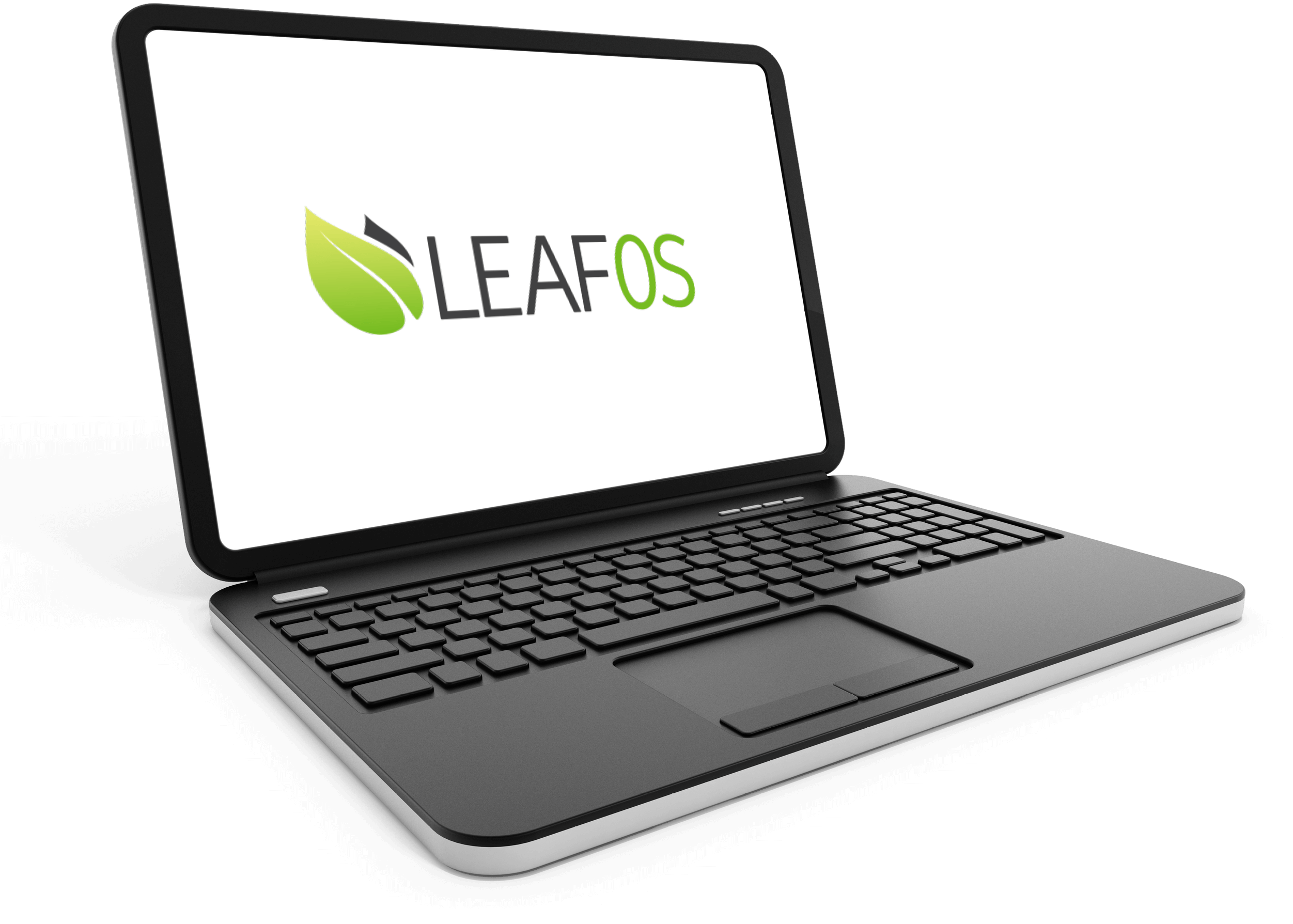
Repurpose, reuse
Flashed directly to the internal hard drive, LEAF OS turns any* x86-64 PC or thin client into a permanently repurposed thin client
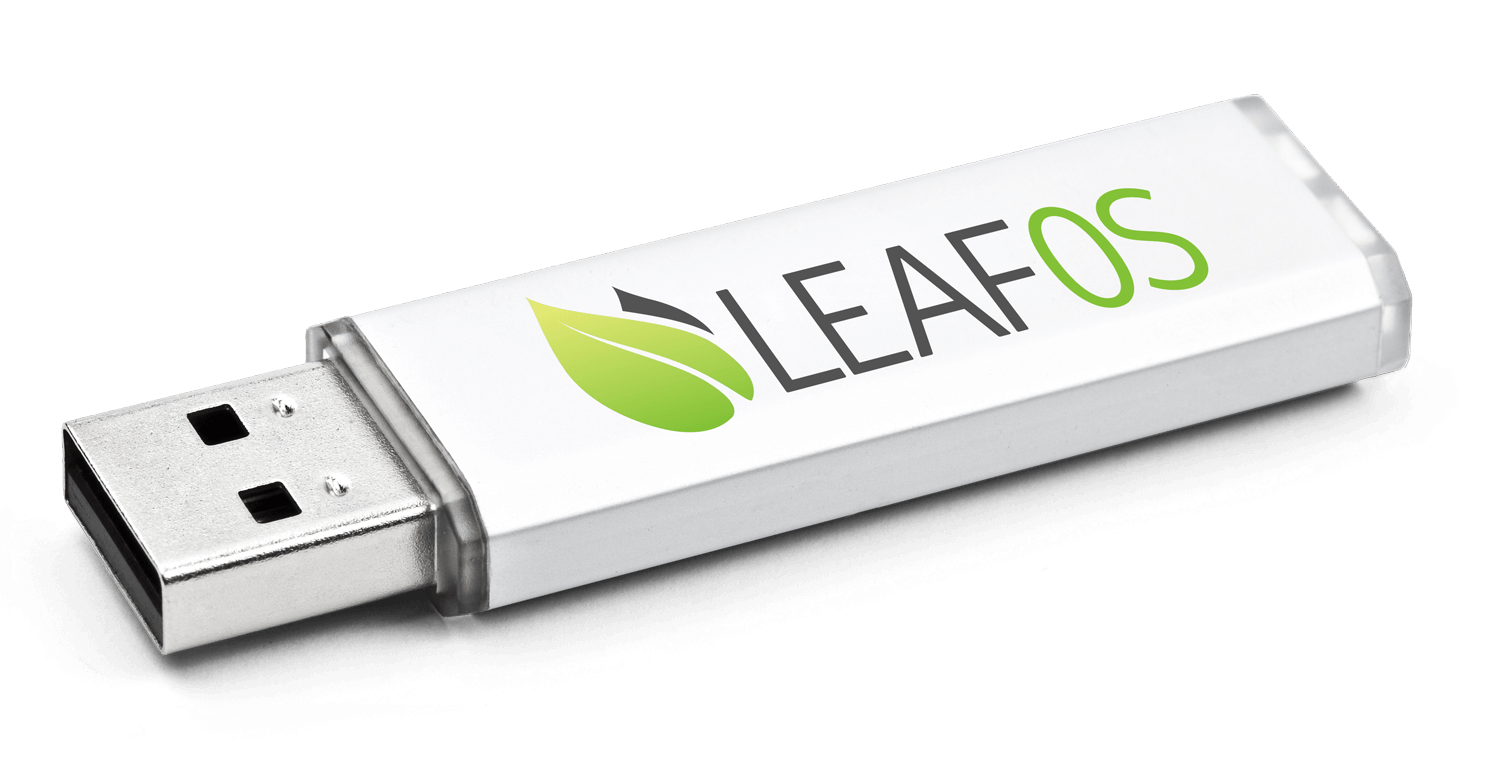
Enable BYOD
Alternatively, keep your internal drive untouched and boot from a LEAF OS USB drive. When the work is done, simply reboot from teh native OS. Ideal for BYOB and work-from-home scenarios.
Raspberry Pi solutions
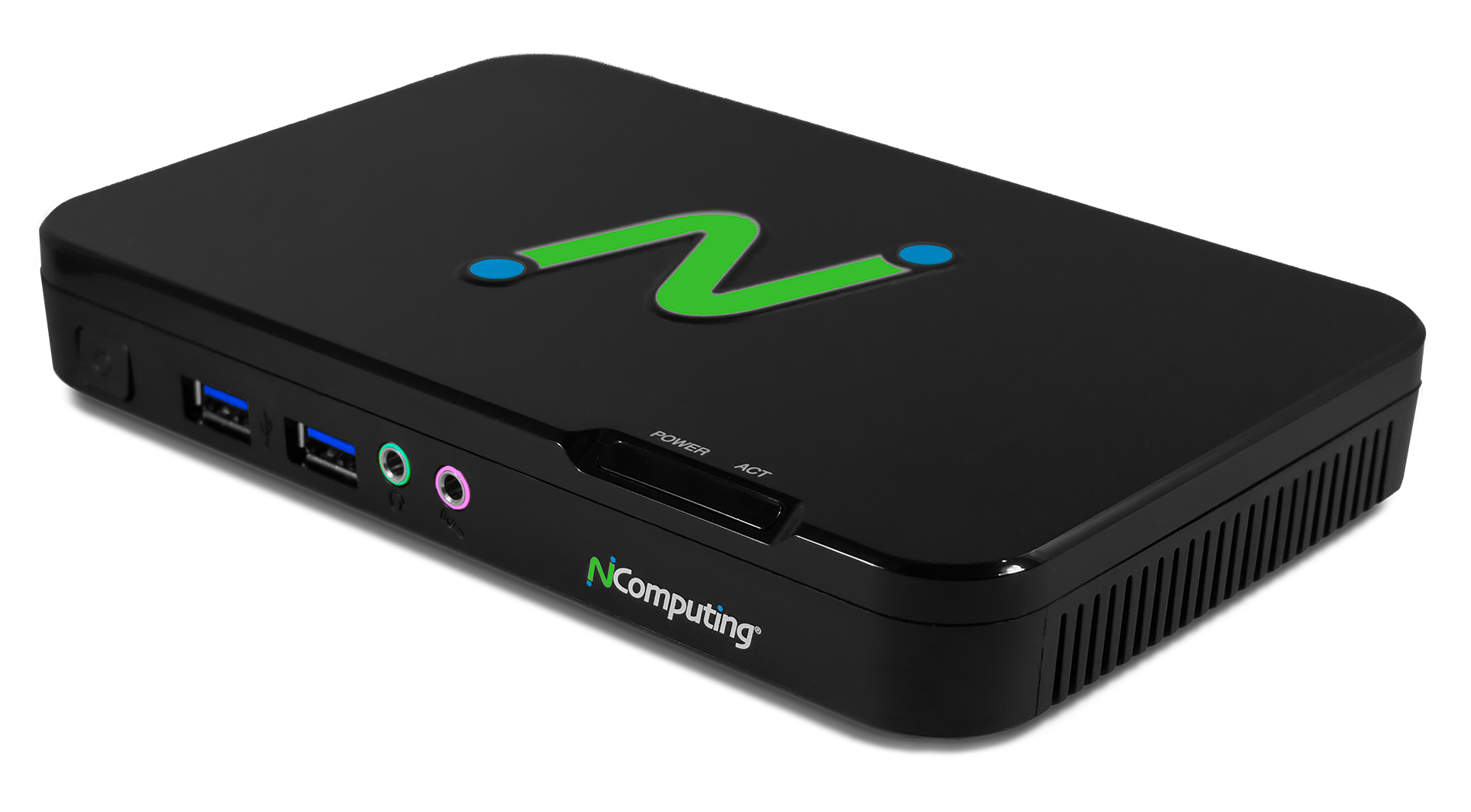
NComputing offers endpoints built on Raspberry Pi—the RX540, RX580, RX-RDP+, RX420(RDP) and RX440(RDP)—which deliver PC-like performance and run Windows 11 in the cloud at a fraction of the cost of traditional devices.
X86-64 based devices
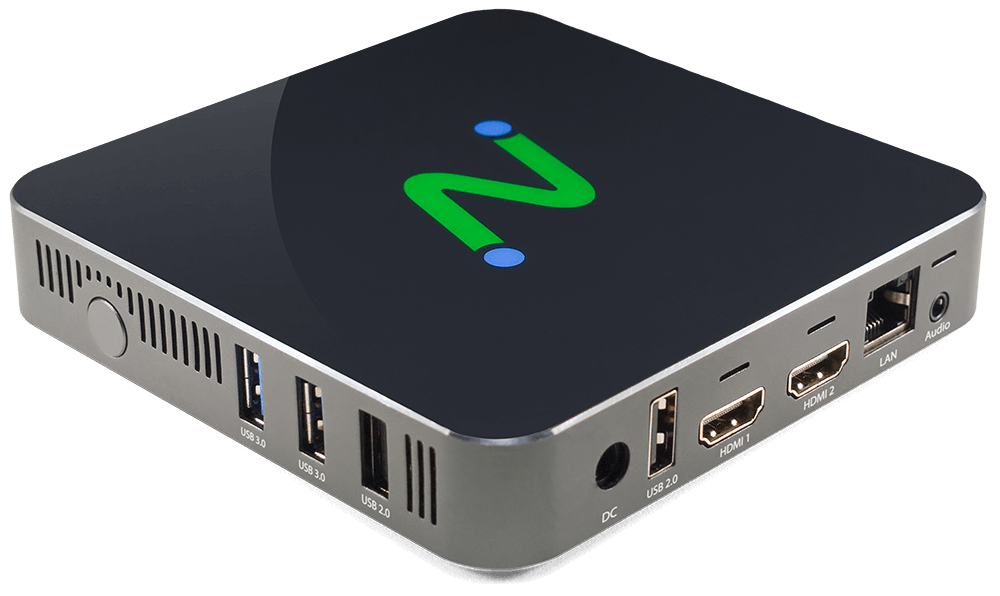
The EX500W is optimized for multiple virtualization platforms. With LEAF OS at its core, features include 4K Ultra HD video, dual monitor ports, gigabit ethernet, Wi-Fi, and broad peripheral support.
Next-Level Endpoint Security
Compatible DaaS and VDI platforms
BROAD USB PERIPHERAL SUPPORT
NComputing endpoint solutions utilize device drivers from the server to provide extensive peripheral support including webcams for video conferencing, mass storage, printers, smart card readers, headsets, speakers, signature pads, and COM ports.