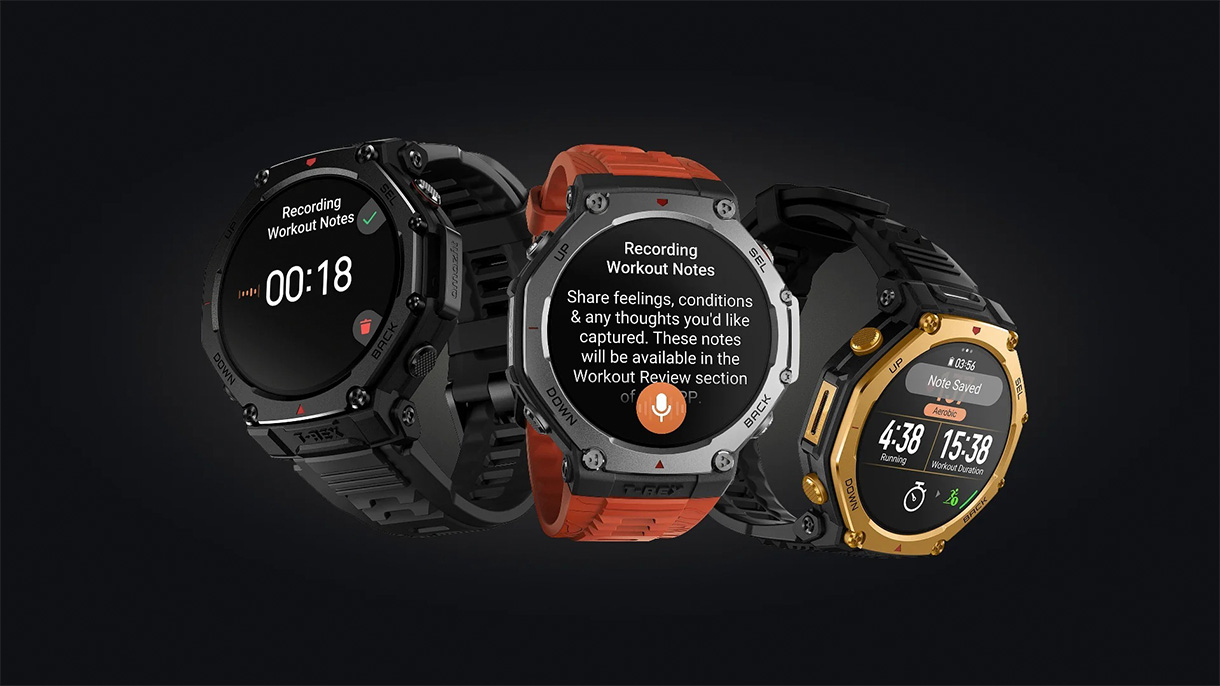
A Simple, Hands-Free Way to Make Your Training Logs More Accurate and Personal
Anyone who’s tried to edit workout data mid-session knows it isn’t ideal — especially during strength training, when stopping to adjust reps or weights can break your rhythm. And once the workout ends, realizing something was logged incorrectly is even more frustrating. Outside of strength training, there also hasn’t been an easy way to capture the little details that shape a session, like weather, surface, or how you felt going in.
Voice-Captured Workout Notes were designed to change that. By letting you share your notes on the go, you can stay focused on your training while still capturing the context that brings your data to life
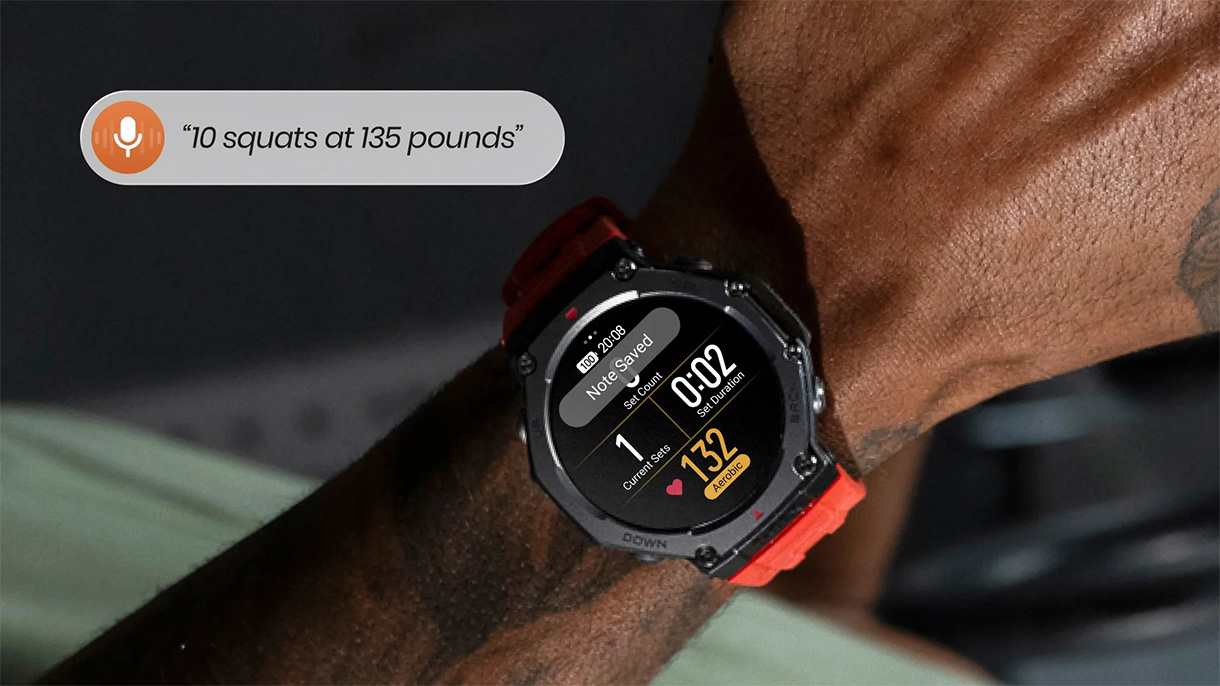
Better Strength Training Logs, Without the Pause
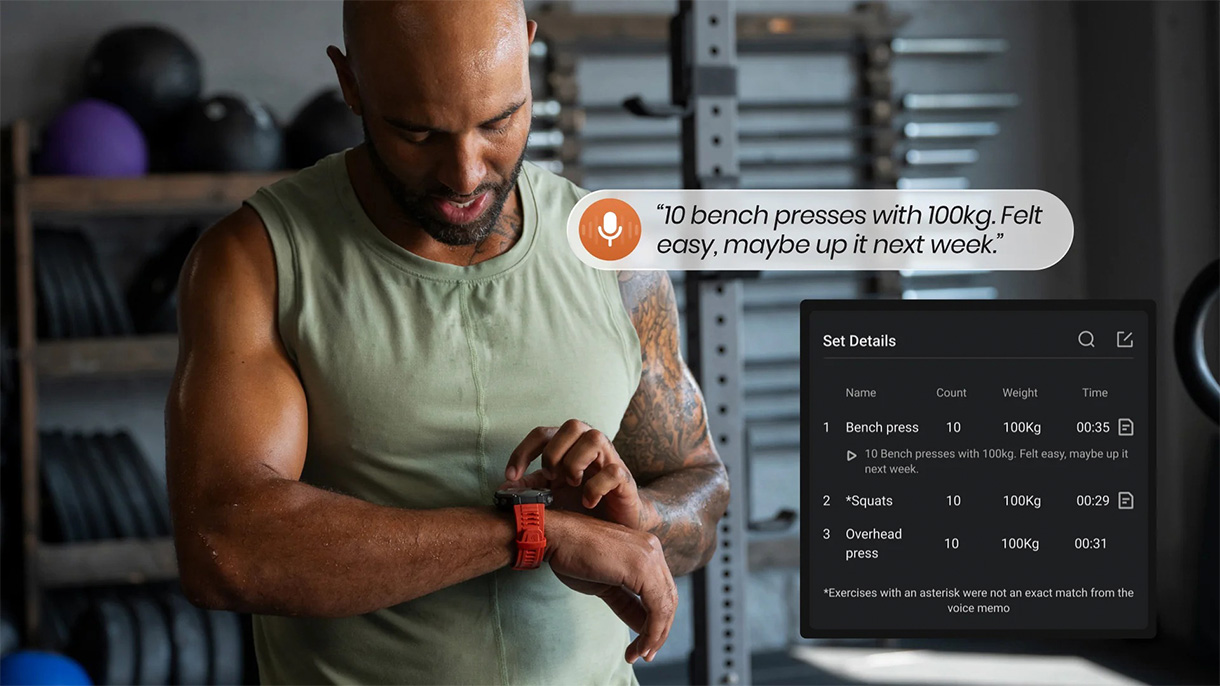
Strength sessions often require the most editing, and they’re also the hardest to interrupt. With voice notes, you can quickly help your watch log the exercise you performed, how many reps you completed, and the weight you used — all without breaking your flow. It’s an easier, more intuitive way to keep your training data aligned with the work you actually put in.
Once synced to the Zepp App, your notes are timestamped, transcribed, and saved with playback, making it easy to review exactly what you recorded and when.
Note: Voice notes won’t update your stats live on the watch, but rest assured that everything will be captured on your Workout Analysis in the Zepp app.
More Context for Every Workout
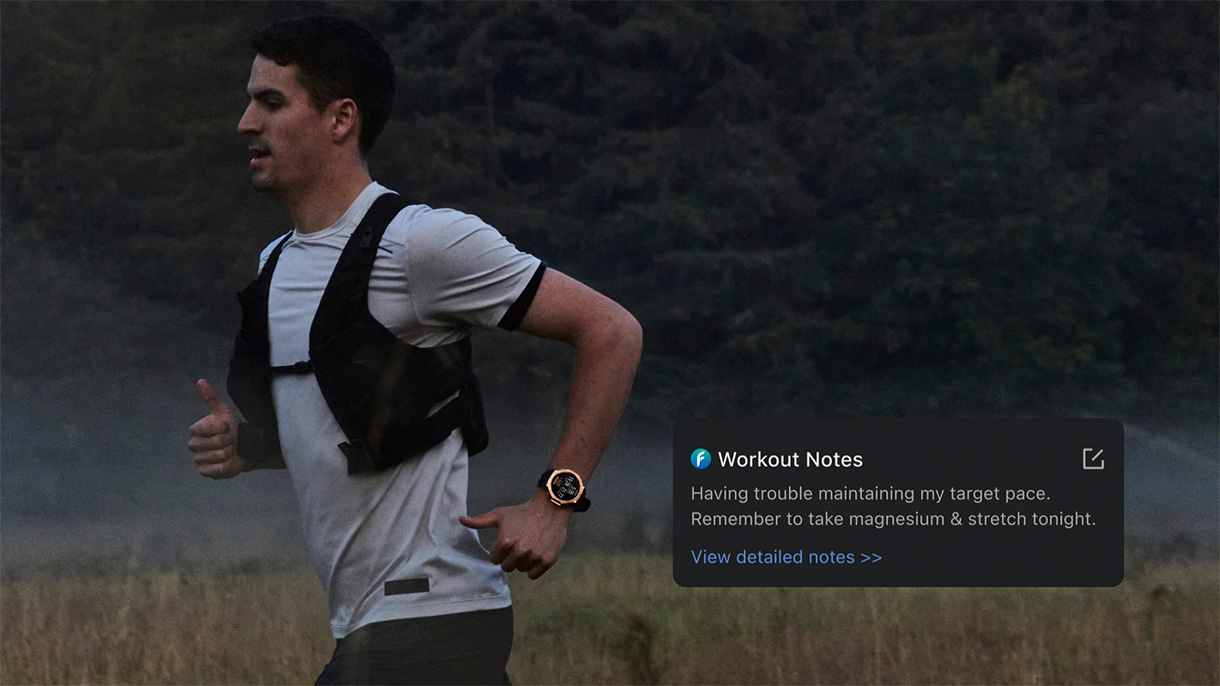
Not every workout can be summed up by numbers alone. A steady run into a headwind, a ride on unfamiliar terrain, or a day when your energy feels unexpectedly low — these details matter. Voice notes let you add that context in the moment so you can remember what shaped your session later.
In the Zepp App, your entries appear in a dedicated Workout Notes section within each activity’s review page, creating a clean, easy-to-scan summary of how that workout really felt.
Whether it’s a small cue you want to revisit or something worth sharing with a coach, these simple additions create a clearer picture of your performance over time.
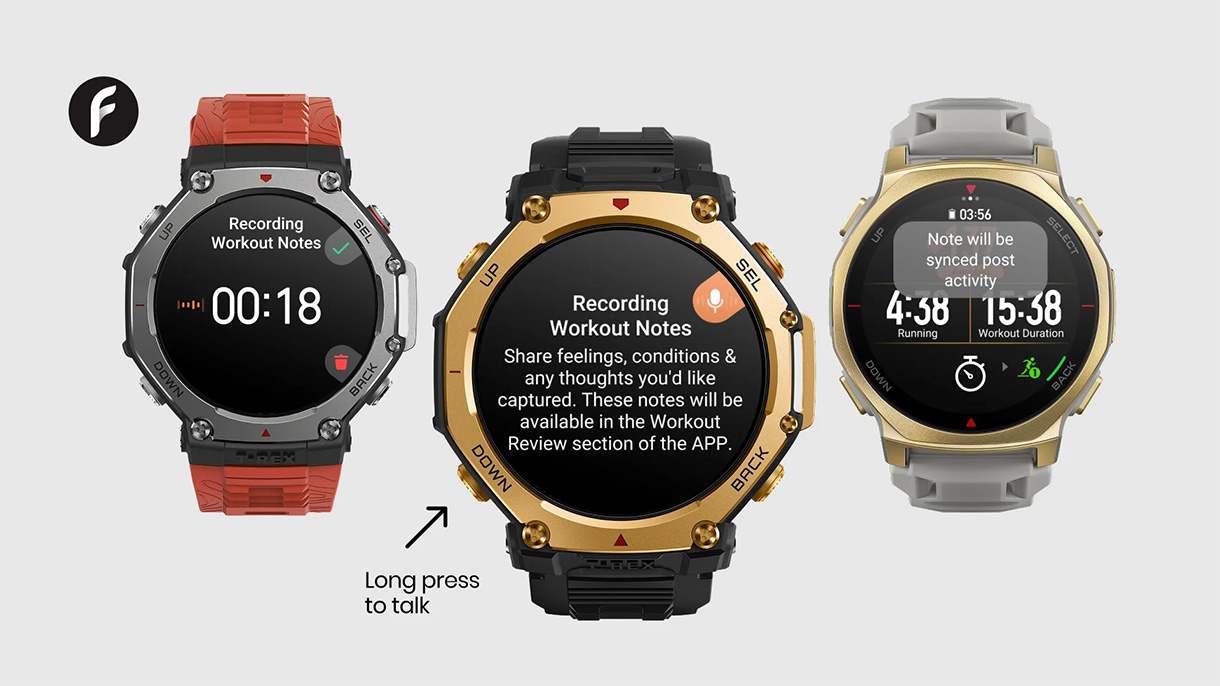
Powered by Zepp Flow
This feature is part of Zepp Flow, our growing suite of voice-driven tools designed to make your Amazfit device easier to use when you’re on the move. The goal is to reduce friction, keep your hands free, and make capturing important training details feel effortless.
After syncing, your voice notes live in the Zepp App alongside your activity data, keeping your watch light and your training history organized. Voice-Captured Workout Notes are not currently supported in Fishing and Diving modes. The feature is now available via the January software update for Amazfit T-Rex 3 Pro and T-Rex 3 users.
A More Accurate Way to Review Your Training
By using your voice, you can capture more accurate strength logs, richer context across all activities, and a training history that better reflects how each workout really felt. With transcribed notes, playback, and a dedicated Workout Notes view in the Zepp App, your training data becomes easier to review and learn from over time.
Voice-Captured Workout Notes are another step toward making your device feel easier, more intuitive, and more connected to how you actually train.
Amazfit. (2026, January 16). Share. Capture. Correct. Voice Powered Workout Notes. Amazfit. https://us.amazfit.com/blogs/blog/share-capture-correct-voice-powered-workout-notes