








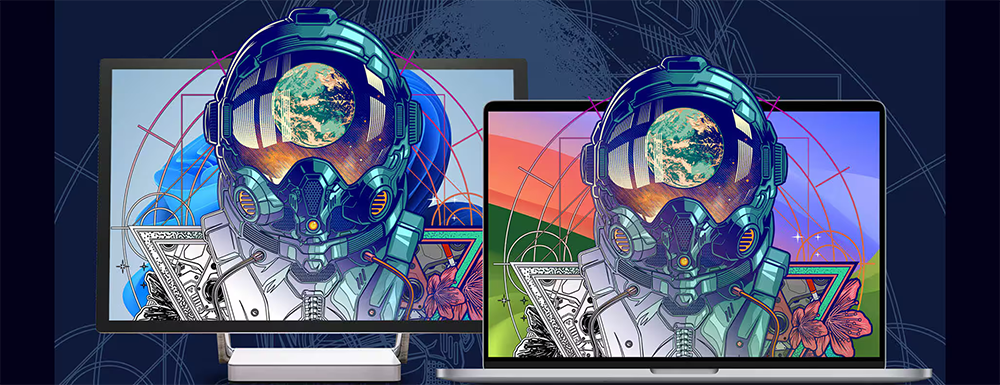







Professional graphic design software for vector illustration, photo editing, layout & more.
NEW THIS YEAR
Includes Generative AI
Powered by Artist Intelligence

Subscribe to the latest and greatest

Reap the rewards of a CorelDRAW Graphics Suite subscription. As a subscriber, you get access to exclusive features, apps, content, and AI credits.

CorelDRAW Graphics Suite 2026

Powered by Artist Intelligence

Built to amplify artistry rather than replace it, CorelDRAW® Graphics Suite 2026 introduces intelligent tools in CorelDRAW and Corel PHOTO-PAINT that accelerate ideation and improve your workflow.
Try AI Generate to transform text descriptions into custom images and remix existing visuals, or try AI background removal to knock out backgrounds with a single click. For those who want more masking control, Corel PHOTO-PAINT’s AI object selection and clip masking tools deliver precise edits faster than ever.
Beyond AI, experience a refreshed interface, along with significantly improved stability and performance, including app launch times around three times faster or more! Subscribers also benefit from new content and updates to CorelDRAW Web.
See all the new features and compare purchase options.

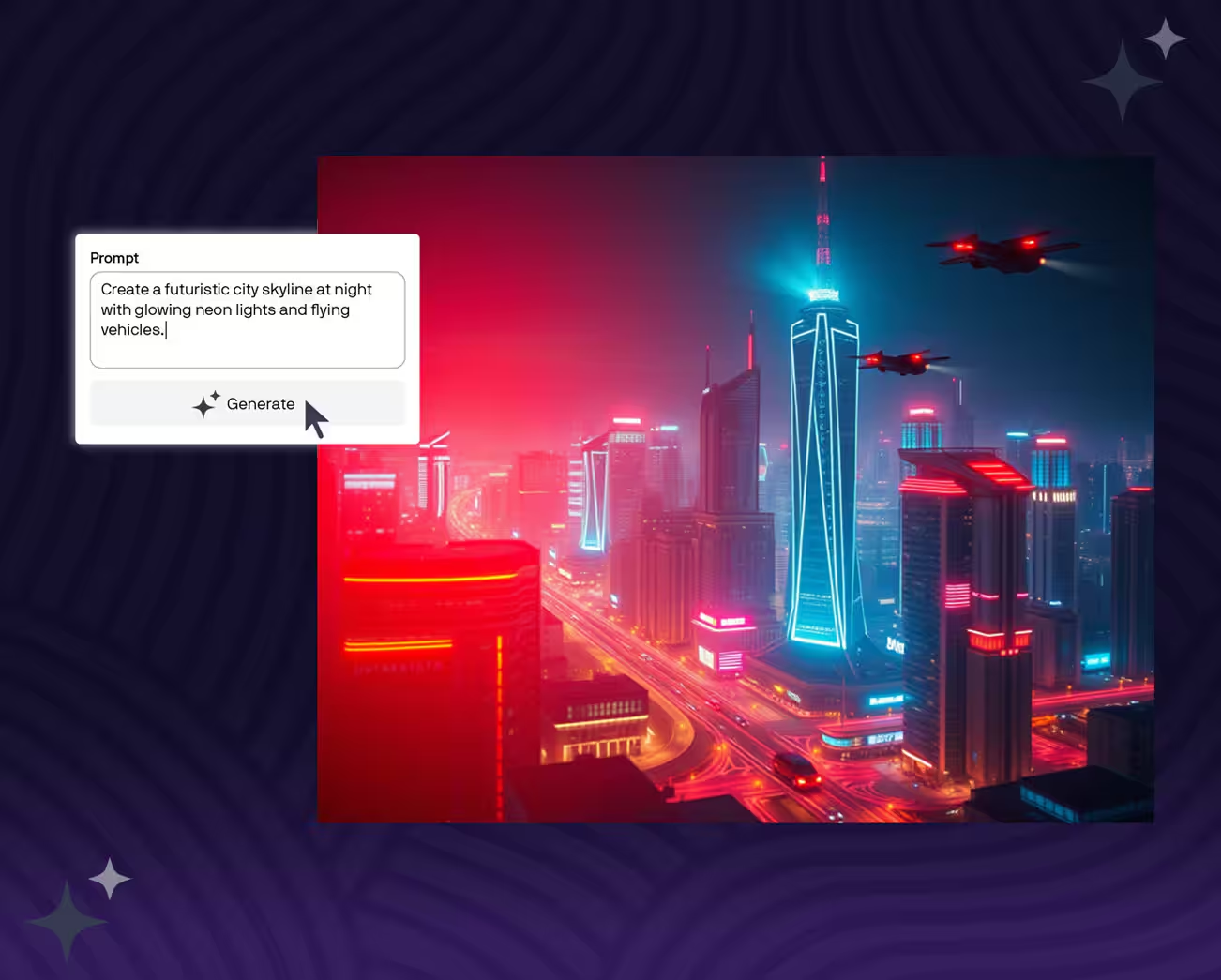
Create unique images from scratch or existing content using the new AI Generate docker in CorelDRAW and Corel PHOTO-PAINT. Enter a text prompt, choose from Flux, Stable Diffusion, and Nano Banana AI models, set your aspect ratio and image count, and apply optional styles or color palettes.

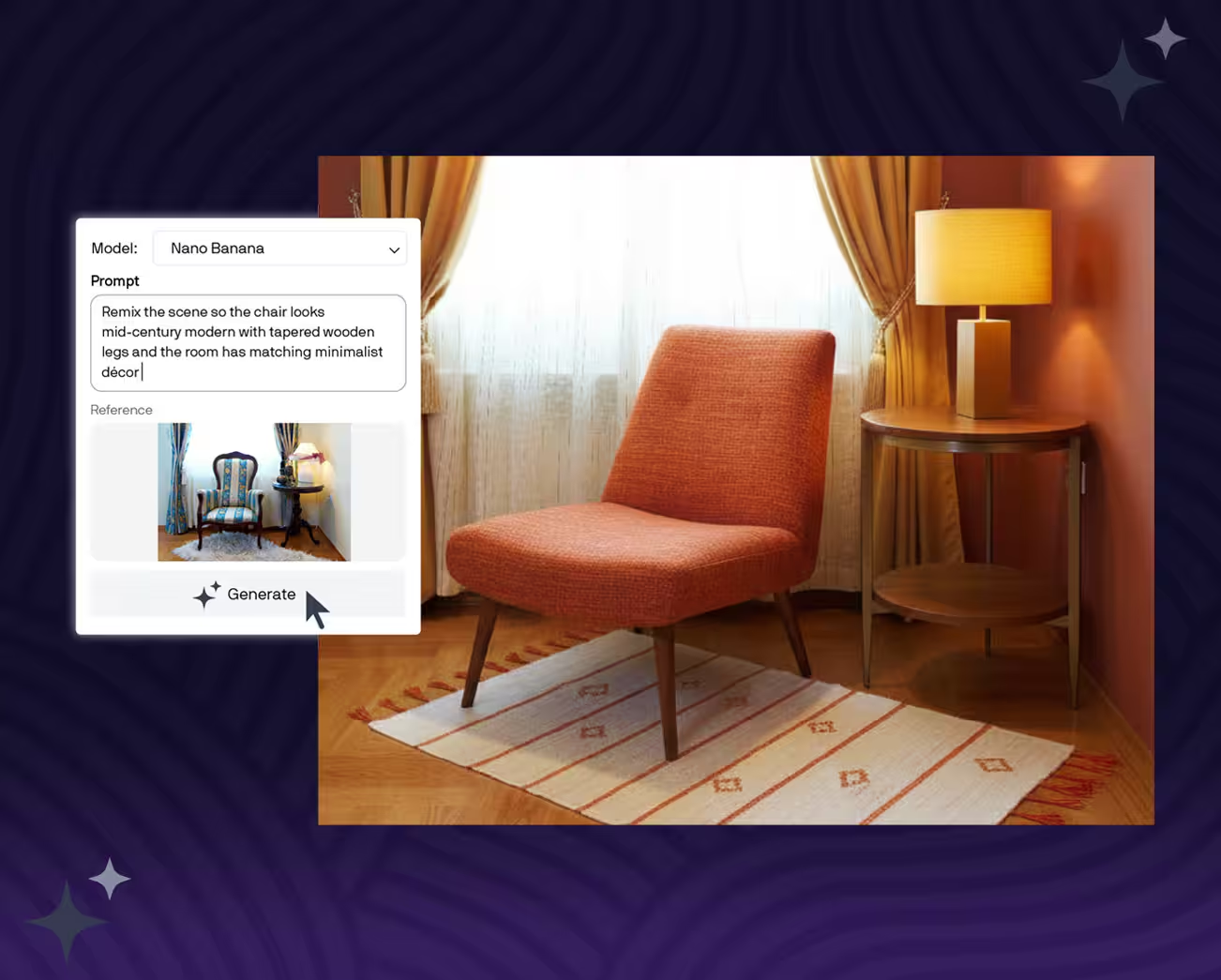
Quickly edit and transform images using Nano Banana, a powerful AI model for near-instant photo edits. Mock up designs, swap elements, and place subjects in new settings using the “Remix Image” tab in the AI Generate docker

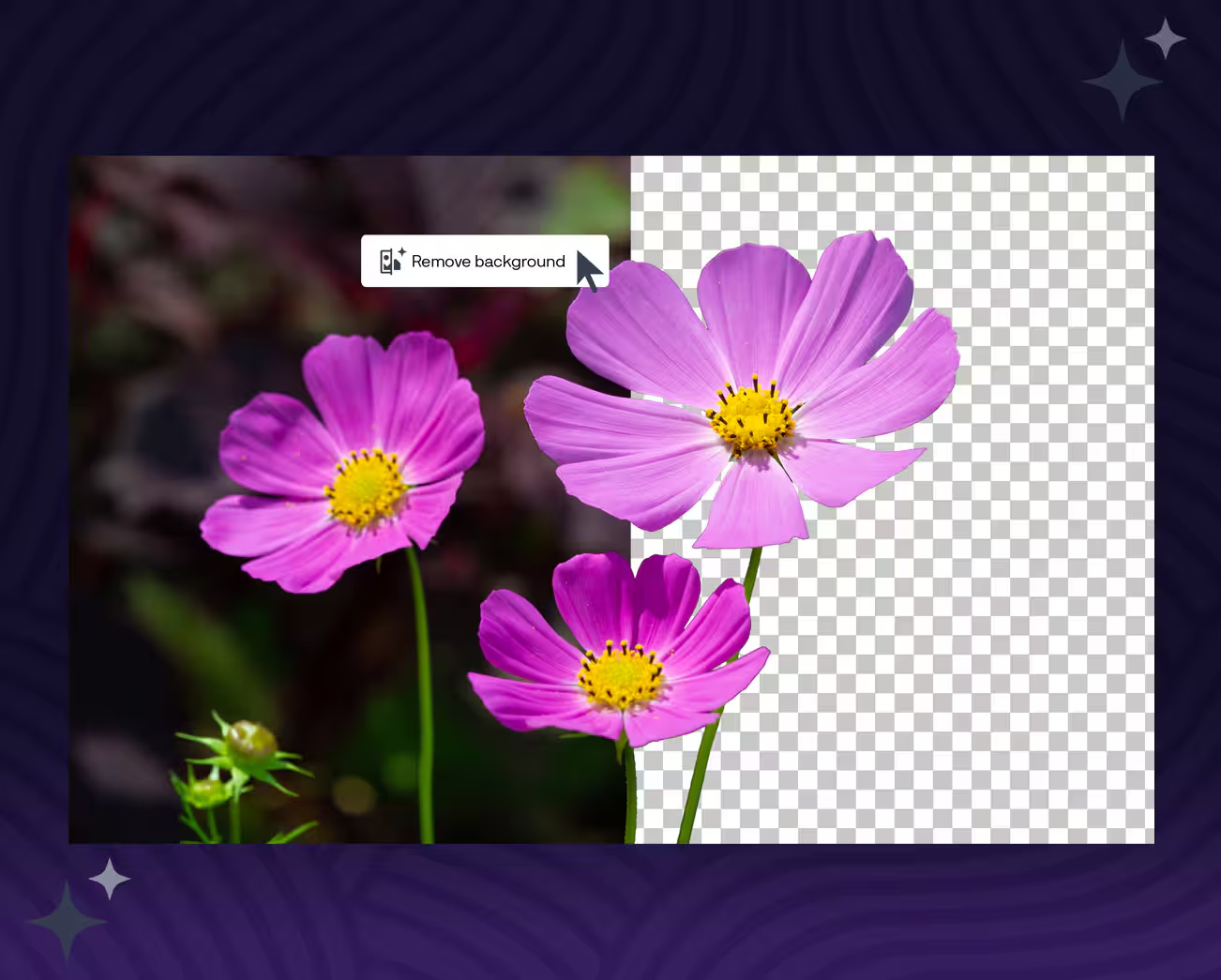
Remove photo backgrounds instantly with a one-click AI tool that delivers clean, ready-to-use results, even around fine details like hair and fabric.

Get more precision and control over background removal in Corel PHOTO-PAINT with new AI-assisted subject selection and clip masking. These intelligent tools make detailed masking faster and more accurate.

Create unique images from scratch or existing content using the new AI Generate docker in CorelDRAW and Corel PHOTO-PAINT. Enter a text prompt, choose from Flux, Stable Diffusion, and Nano Banana AI models, set your aspect ratio and image count, and apply optional styles or color palettes.

Quickly edit and transform images using Nano Banana, a powerful AI model for near-instant photo edits. Mock up designs, swap elements, and place subjects in new settings using the “Remix Image” tab in the AI Generate docker

Remove photo backgrounds instantly with a one-click AI tool that delivers clean, ready-to-use results, even around fine details like hair and fabric.

Get more precision and control over background removal in Corel PHOTO-PAINT with new AI-assisted subject selection and clip masking. These intelligent tools make detailed masking faster and more accurate.

All the tools you need to tackle any project

CorelDRAW®

Vector illustration and page layout

Create anything and everything with this powerful, full-featured graphics software for design including vector illustration, page layout, and more.

CorelDRAW® Web

Browser-based vector illustration and graphic design

Design on the go with CorelDRAW Web. Save your projects to the cloud and access them online, from any web browser.
Subscriber exclusive!

Corel PHOTO-PAINT™

Image editing and pixel-based design

Process images in high gear with the robust AI-powered Corel PHOTO-PAINT. Enjoy an integrated workflow with CorelDRAW.

Corel® Font Manager

Font exploration and management

Organize and manage your font library with the simple, yet intuitive, Corel Font Manager. Use your favorite fonts without having to install them.

Content

  • 7,000 clipart, digital images, and vehicle wrap templates
  • 1,000 high-resolution digital photos
  • Over 1,000 TrueType and OpenType fonts plus integrated access to over 1,700 Google Fonts families
  • Over 200 professionally designed templates (plus 600+ additional templates for subscribers)
  • Over 600 fountain, vector and bitmap fills
  • Integrated access to Pantone® Color Libraries at no additional cost
  • Over 100 Painterly brushes (plus 150 additional free brushes for subscribers)

AI credits

  • Subscription: 2,000/month
  • One-time purchase: 2,000 (one-time)

The sky's the limit!

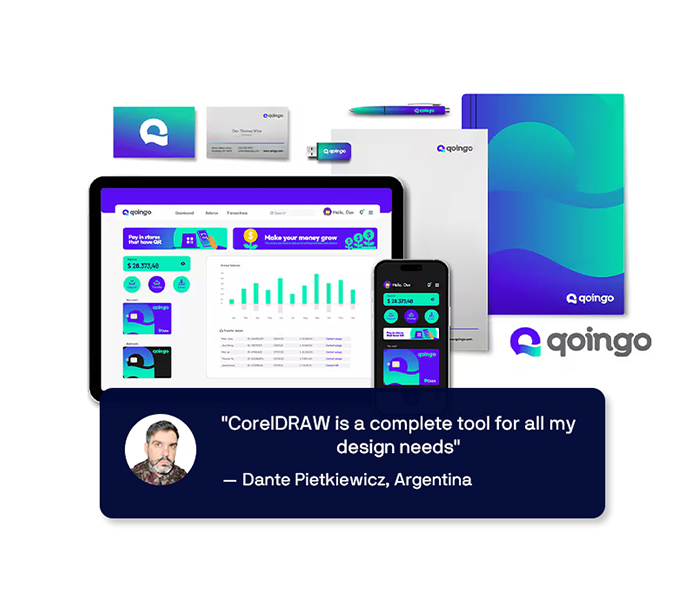
From creative professionals working in advertising and publishing, to small businesses producing in-house marketing materials, CorelDRAW Graphics Suite can help you create everything from brand identity assets to alluring sales tools.

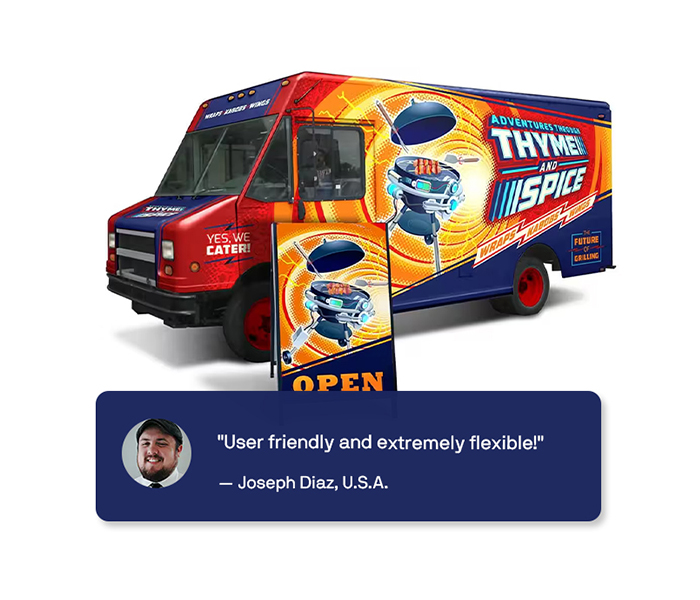
Sign and print industry professionals rely on CorelDRAW to create artwork for a variety of print outputs using a powerful color management engine and superior prepress tools.

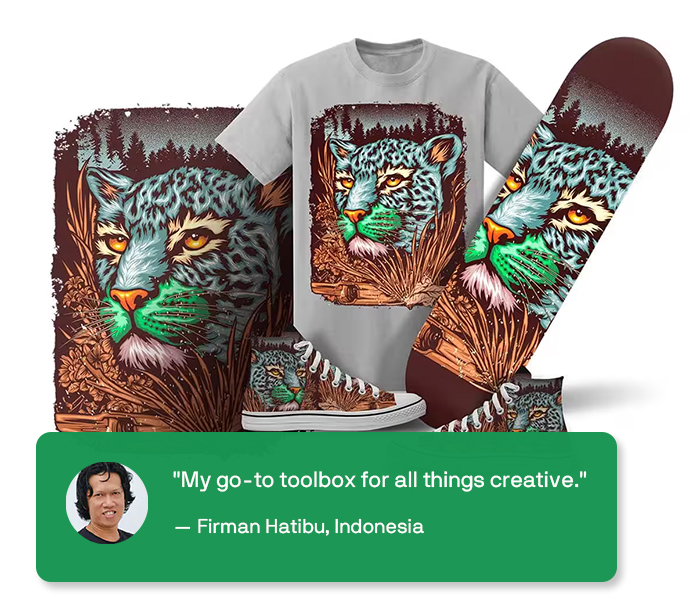
Whether it’s screen printing, embroidery, direct-to-garment printing or apparel, CorelDRAW Graphics Suite has the tools you need to produce and output designs for the fashion industry.

CorelDRAW Graphics Suite has dedicated web and print tools for commerce professionals. Design point-of-sale promotions or create assets to enhance an online store.

CorelDRAW is a trusted name in engineering, manufacturing, and construction firms. The software features precision tools for creating product and parts illustrations, diagrams, schematics, and other intricate visuals.

For a complete suite of dedicated tools to author technical documents, and review and publish detailed illustrations, technical communication professionals choose CorelDRAW® Technical Suite.

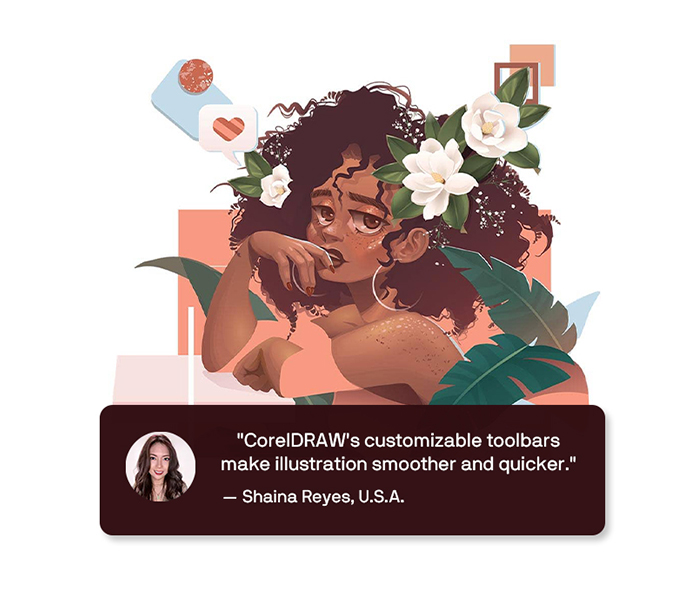
Illustrators and artists alike can combine their classic art practices with CorelDRAW's state-of-the-art vector-illustration technology to create beautiful, sophisticated works of art.

Creativity meets productivity

CorelDRAW® Graphics Suite is your fully-loaded, professional design toolkit for delivering breathtaking vector illustration, layout, photo editing, and typography projects with total efficiency. A budget-friendly subscription provides ongoing value with instant access to exclusive new features and content, and support for the latest technologies.

Start designing with CorelDRAW

Multi-award winning solution

G2 Vector Graphics
G2 Vector Graphics
G2 Vector Graphics
G2 Photo Editing
G2 Photo Editing
G2 Photo Editing
G2 Photo Editing

Corel Blogs

Talk to Us

Contact us using the information below. We’ll respond promptly to your inquiries and feedback
email

Schedule

8:00am - 5:00pm, Monday - Friday

				
					/* 

Copy this code on section to modify colors of icons, submit button, hovers 
depends on the webpage theme.

Note: Keep visibility disabled, Do not Edit this

*/

/*Contact Content Icons & Text*/
.contact-iconbox .elementor-icon {
    color: pink;
    fill: pink;
}
.contact-iconbox .elementor-icon:hover{
    color: violet;
     fill:violet ;
}
.contact-iconbox p a, .contact-iconbox p{
    color: pink !important;
}
.contact-iconbox p a:hover, .contact-iconbox p:hover{
    color: violet !important;
}

/*Contact Form*/
.contact-form .elementor-widget-container{
    background:red !important;
}
.contact-form label{
    color: blue;
}
.contact-form .wpforms-submit-container button{
    border-color: pink !important;
    background: pink !important;
}
.contact-form .wpforms-submit-container button:hover{
    background: violet !important;
    border-color: violet !important;
}