Create visualizations
to enhance your ideas
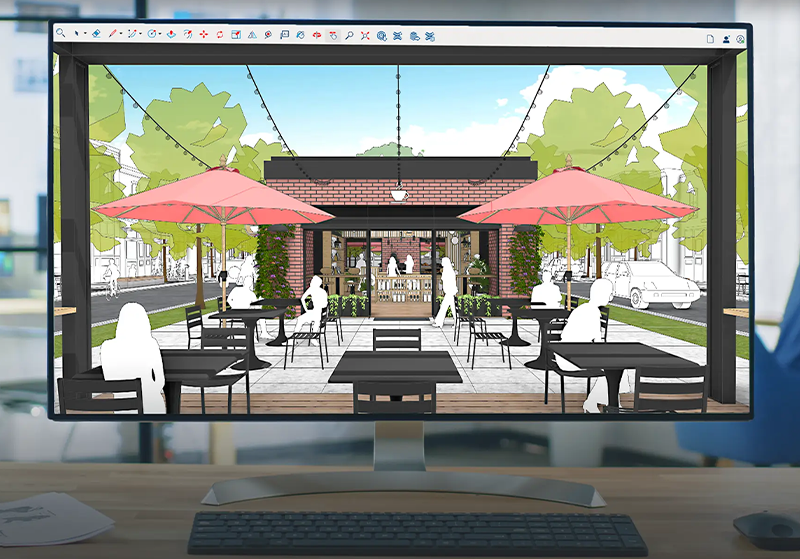
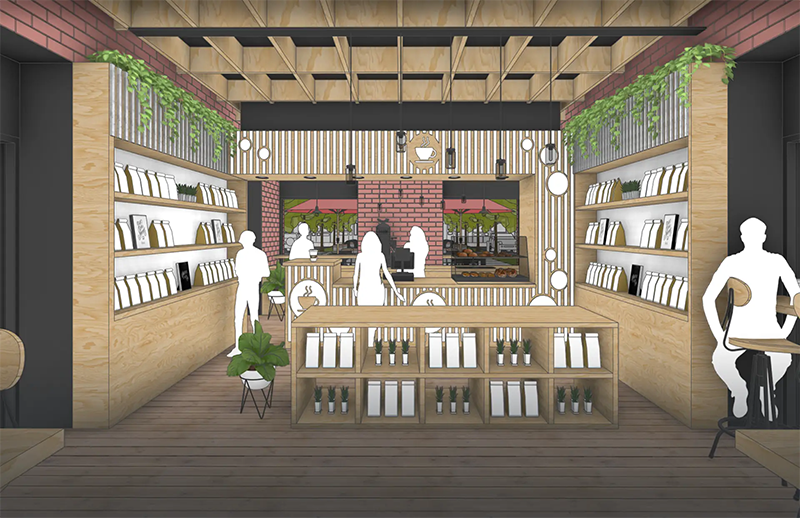
A new style setting that adds visual emphasis to corners and edges, increasing perceived depth and realism within the SketchUp interface.
Using SketchUp for Visualization
Explore your creativity
Ideate and iterate with visuals quickly with SketchUp’s intuitive 3D modeling tools.
Boost productivity
Design faster with AI-driven, time-saving solutions like 3D Warehouse image-search that help you quickly add details to your model
Communicate your design ideas
Clear visualizations help move your project from design to done by improving communication with stakeholders.
Your vision realized
Revolutionize the way you create
How do you turn dreams into designs? When does inspiration spark an idea? Explore how designers are turning bold visions into reality and telling a richer story with SketchUp.
Designed for doers
Empowering the people building our world
From quick sketches to complex creations, SketchUp provides an accessible suite of tools to help streamline your workflow and manage your projects end-to-end. Learn more about a few of the major industries we support.
Landscape
Architecture
Professional, robust, and accurate
Visualize your project quickly and clearly in 3D with SketchUp for Desktop, the most popular 3D modeler.
“We used my SketchUp model in a presentation with a client, and it was the best thing ever. They loved being able to see exactly what they were getting. We had total buy-in from the time they accepted our proposal to the construction of the building.”
John Clemons
Preconstruction Manager,
Monteith Construction Corp.
Enhanced realism
Add more realistic details to your 3D models with the click of a button when you use Ambient Occlusion.
“Ambient Occlusion is the most exciting feature in recent years! Most of my models are achromatic, so this really makes them stand out, particular.
John Clemons
Architect.
Breathtaking visuals in seconds
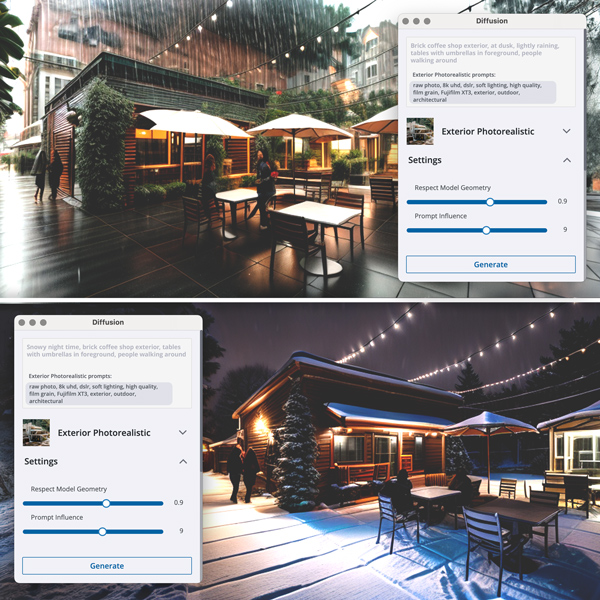
Explore design concepts through AI-generated imagery with Diffusion for quick iteration and ideation.
“SketchUp combined with Diffusion is a full-cycle design tool, not just rendering. For example, using this for exterior rendering is amazing. I knew this would be possible, but I expected it in 10 years.”
Daniel Tal
Digital Studio Manager,
Confluence.
Integrated rendering engine
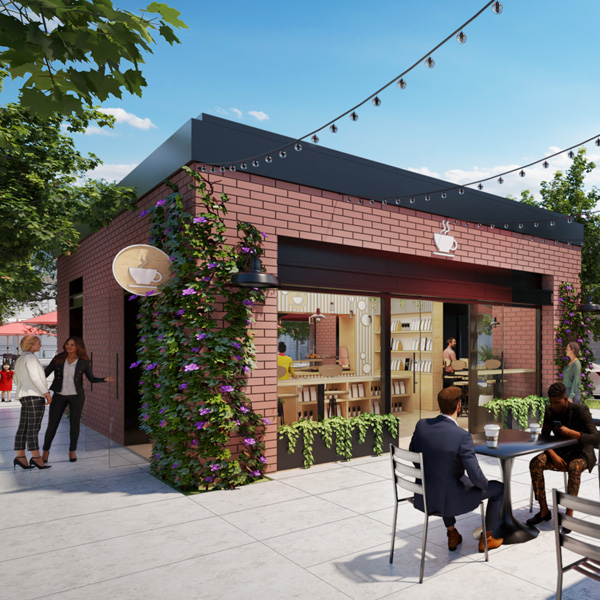
Use the combined power of V-Ray and SketchUp to create photorealistic renderings that bring your design vision into reality.
“I was inside SketchUp, and it was just a couple of little settings, I clicked that render button for V-Ray, and I was totally blown away by the realism. Being able to render at this quality in SketchUp was another moment for me where I thought there’s no turning back to other tools.”
Matthew Valero
Registered architect,
Director of Visualization at DBVW Architects.
Professionals Prefer SketchUp

Momentum Grid® Report for Architectural
Rendering | Spring 2024
Grid® Report for Architectural
Rendering | Spring 2024

Grid® Report for
Architecture | Spring 2024

Concept to creation
Tools trusted by industry leaders across the world


SketchUp Subcriptions
| Inclusions | SketchUp Pro | SketchUp Pro Scan | SketchUp Pro Advanced Workflow | SketchUp Studio |
|---|---|---|---|---|
| Ai Render | ||||
| AI Assistant | ||||
| SketchUp for Desktop | ||||
| SketchUp for Web | ||||
| SketchUp for Ipad | ||||
| SketchUp Viewers | ||||
| Trimble Connect | ||||
| Layout | ||||
| PreDesign | ||||
| Extension Warehouse | ||||
| 3D Warehouse | ||||
| Scan Essentials | ||||
| Revit Importer | ||||
| V-Ray for SketchUp |