
Have you ever found yourself staring at a generic design template, wishing you could tweak just one specific
curve or anchor point, only to realize your basic design app won’t let you?
We’ve all been there. Most beginner design tools lock you into a rigid box. They make it easy to drop in an
image, but the moment you want real creative freedom, you hit a paywall or a technical dead end.
That is exactly why CorelDRAW Go was built. It is a brand-new, browser-based graphic design tool engineered
to bridge the gap between “simple to use” and “genuinely powerful.” Whether you are running a creative side
hustle, managing social media channels, or just starting your design journey, CorelDRAW Go is your new
creative playground.
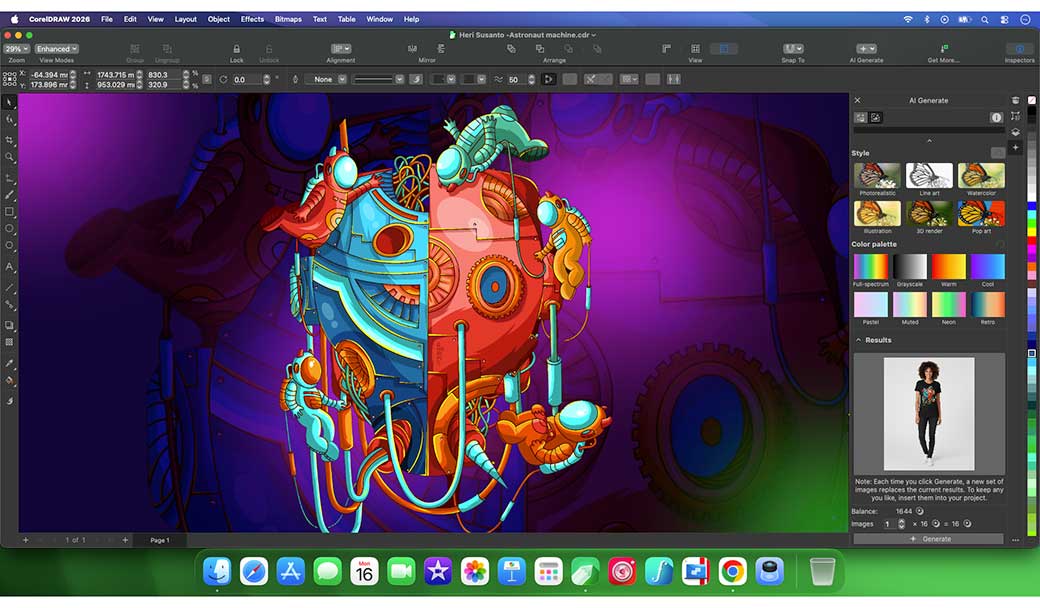
Why CorelDRAW Go is a Game-Changer
Most web-based design apps force you to choose: do you want an easy interface with zero flexibility (like basic
template apps), or a complex pro tool with a massive learning curve?
CorelDRAW Go brings the best of both worlds directly to your web browser.
- Zero Installation Required: You don’t need a powerful computer or a complex setup. Open your browser, sign in, and you are ready to create from anywhere.
- True Vector Control: Unlike competitors like Canva or Adobe Express, CorelDRAW Go gives you actual vector drawing and node editing power. You can manipulate shapes and lines precisely to make a design uniquely yours.
- Massive Creative Asset Library: Skip the endless searching. The platform includes over 6 million royalty-free stock photos alongside thousands of customizable vector icons, illustrations, and professionally designed templates to kickstart your workflow.
What Can You Create?
If you can think it, you can probably build it here. The tool is optimized for fast, highly professional visual
content:
| Project Type | Core Feature to Use | Why It Matters |
|---|---|---|
| Social Media Graphics | Masking & Text tools | Create scroll-stopping Instagram or LinkedIn graphics with clean, custom typography and complex image in text masking. |
| Merchandise & Print | Vector Drawing & Node Editing | Tweak every single line and curve to perfection for tote bags, t-shirts, or flyers without losing image resolution. |
| Digital Art & Sketching | Realistic Digital Brushes | Mimic traditional drawing tools directly with your mouse or stylus to add texture and organic flair to digital assets. |
Ready to Elevate Your Designs?
You don’t need a degree in graphic design to create bold, unforgettable visuals. CorelDRAW Go adapts to your
skill level, giving you simple shortcuts when you’re in a rush, and deep editing tools when you want to
experiment.
Hyde, M. (n.d.). Introducing CorelDRAW Go for an easier, fresher design approach. CorelDRAW. https://www.coreldraw.com/en/blog/product/introducing-coreldrawgo/