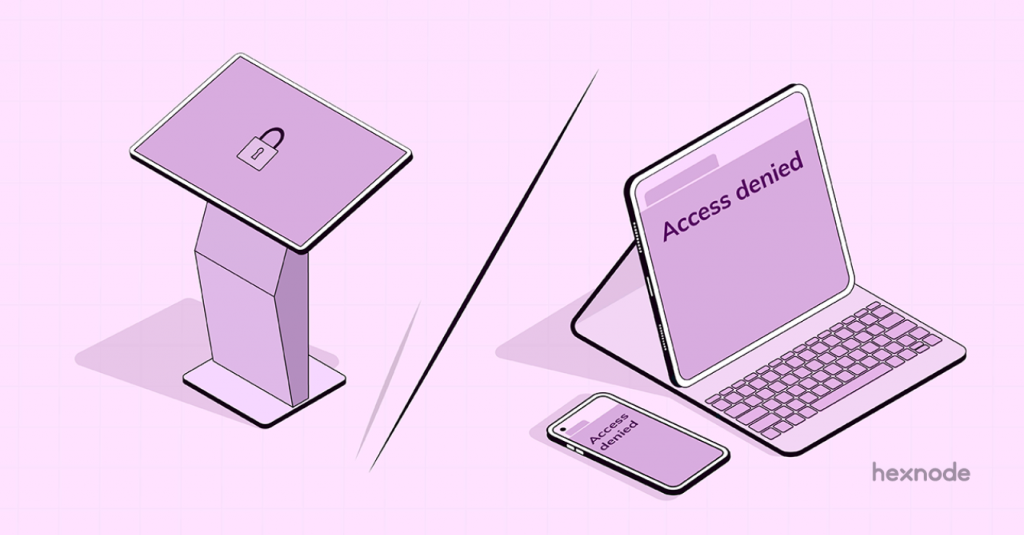
Device vs Browser Lockdown: The First Line of Defense
Browser lockdown limits the functionality of web browsers by restricting users from adding plugins, add-ons or extensions that can jeopardize the network security of the organization. On the other hand, device functionality is restricted by device lockdown policies, which will forbid users from downloading prohibited applications or connecting to an unauthorized network.
Some of the key reasons to prioritize device and browser security are as follows:
- Sensitive data protection
- Prevention of unauthorized access
- Protection against malware and viruses
- Ensure compliance with regulations
To Lock or Not To Lock?
Wondering why you need to have a lockdown mechanism for your devices and browsers. After all, you’ve security software that ensures security for you, right?
Well, while security software is a great start, it’s not enough. Cyber threats are more sophisticated than ever before. That’s why it’s important to have additional layers of security in place like device and browser lockdown.
But how do you decide which type of lockdown – device or browser – is right for your organization? Let’s take a closer look at their advantages and disadvantages so you can make an informed decision without delay.
Device Lockdown
The main advantages of device lockdown include enhanced security, increased control and better device performance. By restricting access to certain features and applications, organizations can prevent unauthorized access to sensitive information, manage security and maintain compliance with regulations. Additionally, limiting access to certain features and applications can help prevent devices from becoming bogged down and slow.
However, device lockdown also has some disadvantages. By limiting access, you may reduce flexibility and potentially reduce productivity. Also, managing device lockdown policies can be complex and time-consuming, requiring
significant resources.
Browser Lockdown
Browser lockdown, on the other hand, can be useful in preventing users from visiting malicious websites or downloading hazardous content. It streamlines management, making it simpler to develop and execute security standards. Browser lockdown can also prevent users from accidentally downloading malware or browsing phishing websites. Moreover, this is achieved by restricting access to specific websites and functionalities.
Well, there are a few drawbacks to think about too. The functionality of the browser may be restricted by limiting access to particular websites and capabilities, which can diminish the value of some web-based apps. Additionally, it might be challenging to manage exceptions to browser lockdown restrictions, which can frustrate users and lower productivity.
Why Hexnode UEM?
There are many features available from Hexnode UEM which safeguards the device and browser security. Hexnode UEM offers a kiosk lockdown policy for platforms including iOS, Android, Windows and Apple TV. Moreover, they
introduce a range of impressive features tailored for kiosks, including:
- Single app mode: Lock down devices to a single designated app.
- Multi app mode: Restrict devices to a selection of approved apps. This will also limit the access to only designated applications.
- Digital signage: Transform devices into interactive advertisement kiosks by displaying videos or images as required.
- Peripheral setting: Enjoy the flexibility of adjusting specific peripheral settings within the kiosk mode. Moreover, this includes network settings, app settings, advanced lock settings, Hexnode MDM setting and a lot more…
- Website kiosk: Benefit from a secure browser with advanced lockdown capabilities, ensuring users are restricted to approved websites, reducing distractions during work.
- Autonomous single-app mode: Exclusive to iOS devices, this feature allows an app to remain locked in the foreground without interruptions until its purpose is served.
- Web app kiosk: Create shortcuts to specific URLs, files or locations. This will also limit users to approved web apps and will enhance online security.
- Advanced website kiosk settings for iOS and Android: Customize and streamline web kiosk experiences based on your specific use cases, promoting productivity and efficiency.
- Hexnode messenger: Integrated within the kiosk modes, Hexnode messenger enables administrators to communicate directly with employee devices, ensuring seamless collaboration.
Concluding the Battle for Security Supremacy
In fact, the consequences of a security breach can be devastating for organizations, ranging from lost data to damaged reputations. Device lockdown vs browser lockdown? Two different but complementary approaches to secure enterprise devices! While device lockdown focuses on securing the device itself, browser lockdown is geared towards securing web browsing.
Whether you’re considering device lockdown or browser lockdown, or a combination of both, Hexnode UEM can help you achieve your security goals. So, if you’re looking for a reliable and easy-to-use solution for device and browser security, Hexnode UEM is definitely worth considering. Start securing your devices today with Hexnode UEM, and enjoy the peace of mind that comes with knowing your organization is protected.